Opening Frame
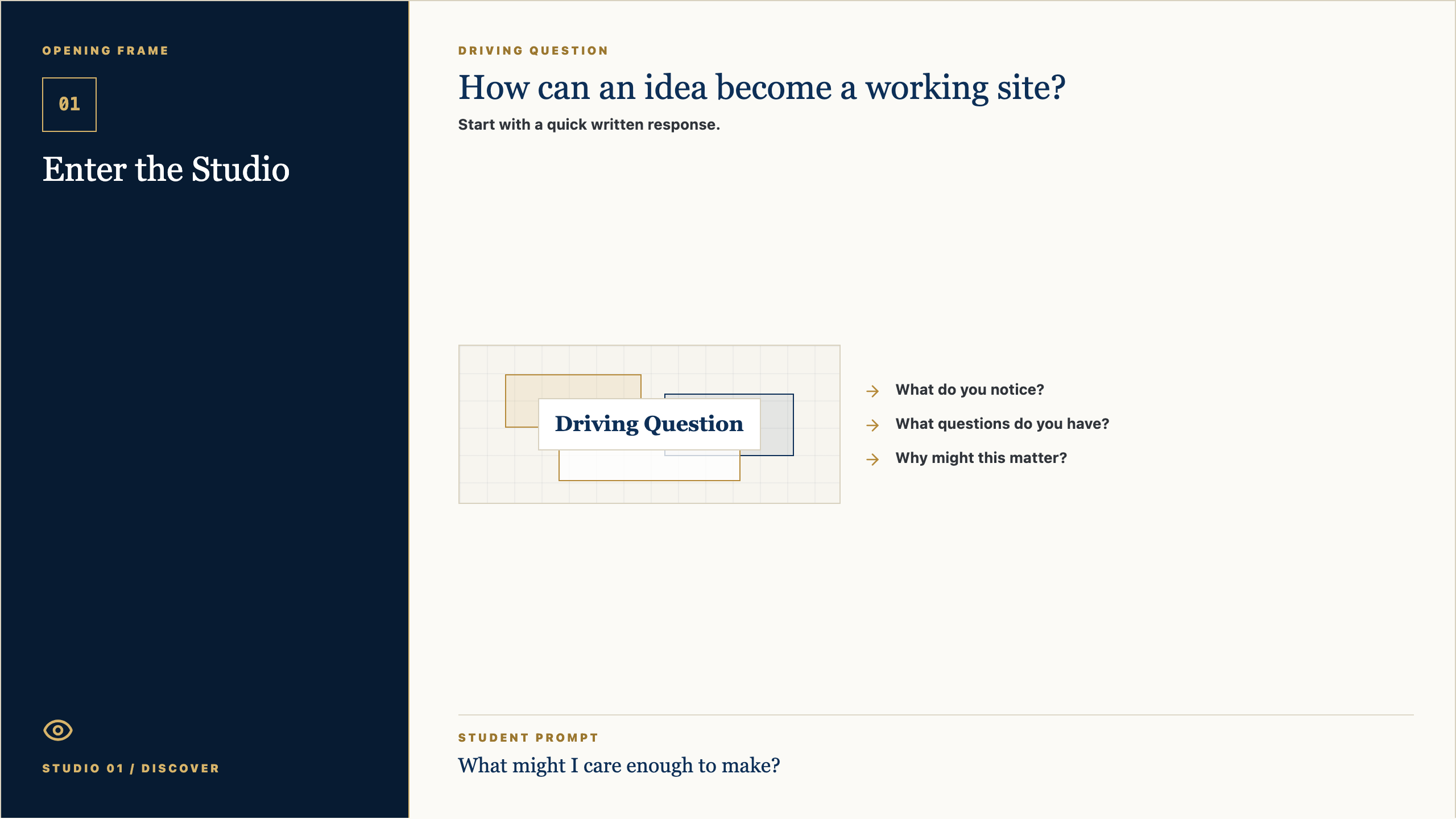
01
Enter the Studio
Studio 01 / Discover
Driving Question
How can an idea become a working site?
- What do you notice?
- What questions do you have?
- Why might this matter?
Student Prompt
Student-Facing Slide Decks
Studio Session Decks
Each deck gives students the frame-by-frame instruction they need: opening question, purpose, core concept, model artifact, simple steps, template, work time, and reflection close.
View student handoutsThese are the educational slides shown frame by frame to high school students during the session.
Mark's Loop
This facilitation style keeps the room grounded and active. It starts with why the work matters, asks students to notice or decide something, gives a real-world example, moves students into visible work, then loops back to service, clarity, and the next version.
Set context
Ask
Show example
Make a move
Loop back
Studio Session Deck 01
Slide 1: Opening Frame
Open PNGTalk Track
Alright, let's start with the question on the screen: How can an idea become a working site? Do not try to sound impressive yet. Just write what you honestly notice, what you wonder, or where your mind goes first. Good creators begin by paying attention.
Context Set
Set a calm pace. Give students a few seconds to look before you explain. The goal is to invite attention, not rush into performance.
Say This
Alright, let's start with the question on the screen: How can an idea become a working site? I do not want a perfect answer. I want your first honest answer. Write what you notice, what you wonder, or where your mind goes. Creators do not begin by pretending they already know. They begin by paying attention.
Engage The Room
Give students 45-60 seconds to write. Then ask for two volunteers: one who noticed something practical and one who had a question. Keep responses short and affirm the noticing, not the polish.
Real-World Example
Say: Think about a time a website, sign-up form, team group chat, lunch line, or school announcement made something easier or harder. Somebody designed that experience. Today we start learning how to see those choices.
Loop Back
Close the opening by saying: keep this question in the back of your mind. By the end of class, you should have one visible piece of thinking that moves your idea a little closer to something real.
Slide 2: Why It Matters
Open PNGTalk Track
The point of this studio is not to become a person who clicks buttons faster. The point is to become someone who can notice a need, shape an idea, and make something useful for somebody else. The tools will change. The habit of seeing clearly will stay with you.
Context Set
Use this slide to make the class feel bigger than tools. The tone should be invitational: students are being trusted with real creative responsibility.
Say This
The point of this studio is not to become a person who clicks buttons faster. The point is to become someone who can notice a need, shape an idea, and make something useful for somebody else. The tools will change. The habit of seeing clearly will stay with you.
Engage The Room
Ask: Where have you seen something small make life easier for people? Let students name ordinary examples: a good checklist, a clear map, a better form, a video that explains something, a schedule that saves confusion.
Real-World Example
Say: A useful thing does not have to be huge. It might be a club finder, a practice guide, a better way to explain service hours, a page for new students, or a tool that helps one person feel less lost.
Loop Back
Loop back to the studio promise: notice a real need, make the thinking visible, get feedback, and improve the work so it serves someone beyond the maker.
Slide 3: Concept Frame
Open PNGTalk Track
Today is about one move in the creator process. In this session, Enter the Studio, we are practicing how to slow down enough to make a better choice. If you can explain why you made a choice, you are already working like a designer.
Context Set
Frame the concept as one professional move, not a lecture. Students should know what thinking habit they are practicing and why it matters.
Say This
Today is about one move in the creator process. In this session, Enter the Studio, we are practicing how to slow down enough to make a better choice. If you can explain why you made a choice, you are already working like a designer.
Engage The Room
Ask students to point to the key word on the slide. Then ask: What would this look like if someone did it poorly? What would it look like if someone did it with care?
Real-World Example
Say: In real work, teams do this before they build. A product team, a coach, a teacher, a campus minister, a designer, or a student leader all have to decide what matters before asking people to follow a plan.
Loop Back
Bring it back by saying: the concept is not the final product. It is the move that helps your next version become more useful.
Slide 4: Artifact Example
Open PNGTalk Track
By the end of class, you should have a creator profile. This is not busywork. It is evidence of your thinking. Someone should be able to look at it and understand what you are noticing, deciding, testing, or improving.
Context Set
Students need to know what they are making and why it counts. Keep the artifact concrete and remove mystery.
Say This
By the end of class, you should have a creator profile. This is not busywork. It is evidence of your thinking. Someone should be able to look at it and understand what you are noticing, deciding, testing, or improving.
Engage The Room
Ask: What would make this artifact clear to someone who was not in class today? Take three answers and turn them into quality criteria on the spot.
Real-World Example
Say: Imagine you were absent and a classmate handed you their creator profile. Could you tell what they cared about, what they learned, or what decision they made? That is the standard.
Loop Back
Loop back by saying: the artifact is a snapshot of your thinking today. It does not need to be final. It does need to be visible.
Slide 5: Simple Steps
Open PNGTalk Track
Here is the way in: keep it simple. Start with the prompts, make a rough first version, and do not wait for it to be perfect. We can improve rough work. We cannot improve work that only stays in your head.
Context Set
Lower the barrier to starting. This is where Mark's style should feel practical and reassuring: rough work is welcome because rough work can be improved.
Say This
Here is the way in: keep it simple. Start with the prompts, make a rough first version, and do not wait for it to be perfect. We can improve rough work. We cannot improve work that only stays in your head.
Engage The Room
Ask students to choose their first move silently: write, sketch, list, interview, map, prompt, revise, or test. Have them point to the step they will begin with before they open a tool.
Real-World Example
Say: Most good work starts as something unimpressive: a messy note, a box-and-arrow sketch, a sentence that is almost right, a page with the wrong layout. The important thing is that it exists, because now we can work with it.
Loop Back
Loop back by saying: your first version is not your identity. It is just the next piece of evidence.
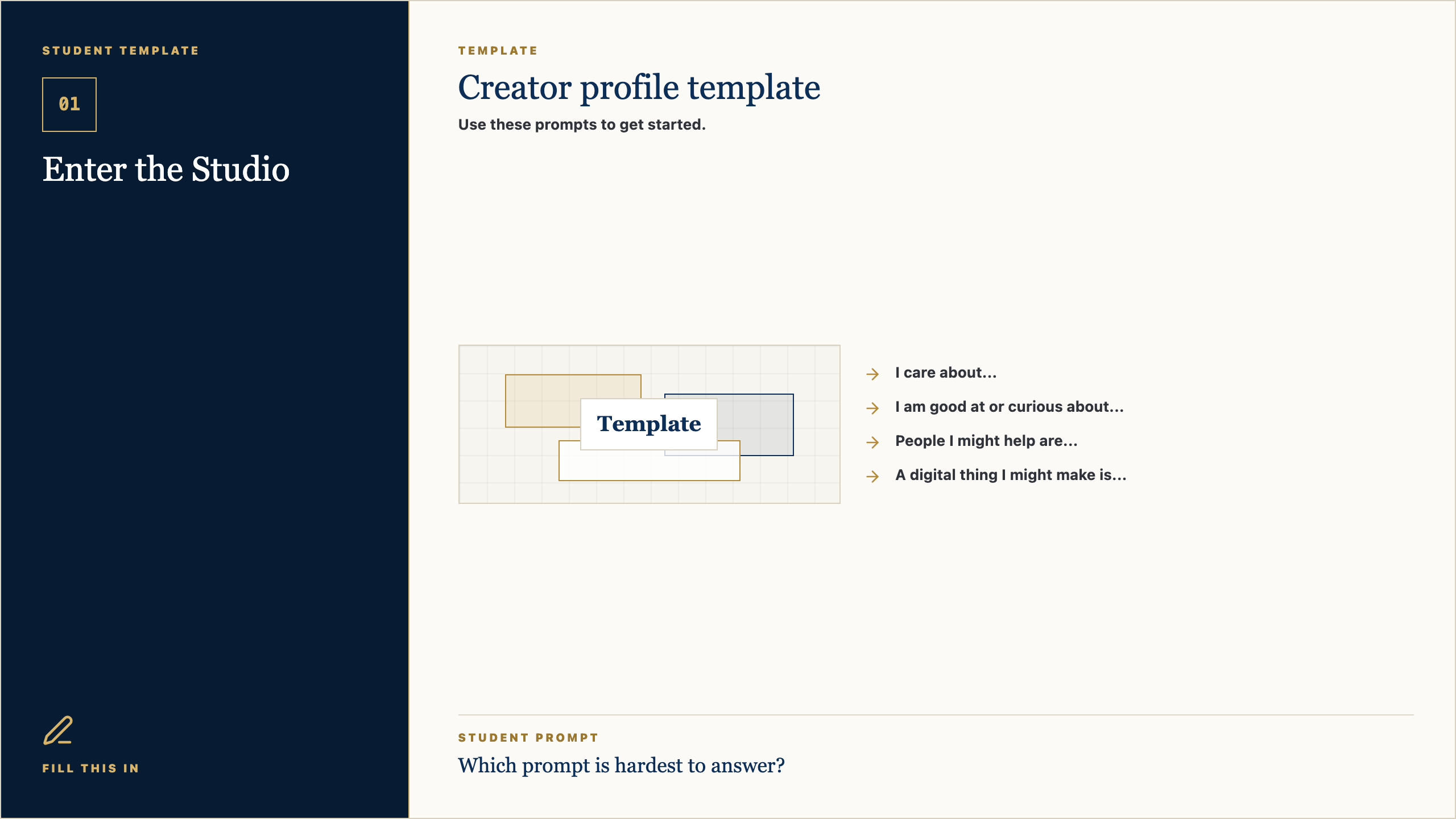
Slide 6: Student Template
Open PNGTalk Track
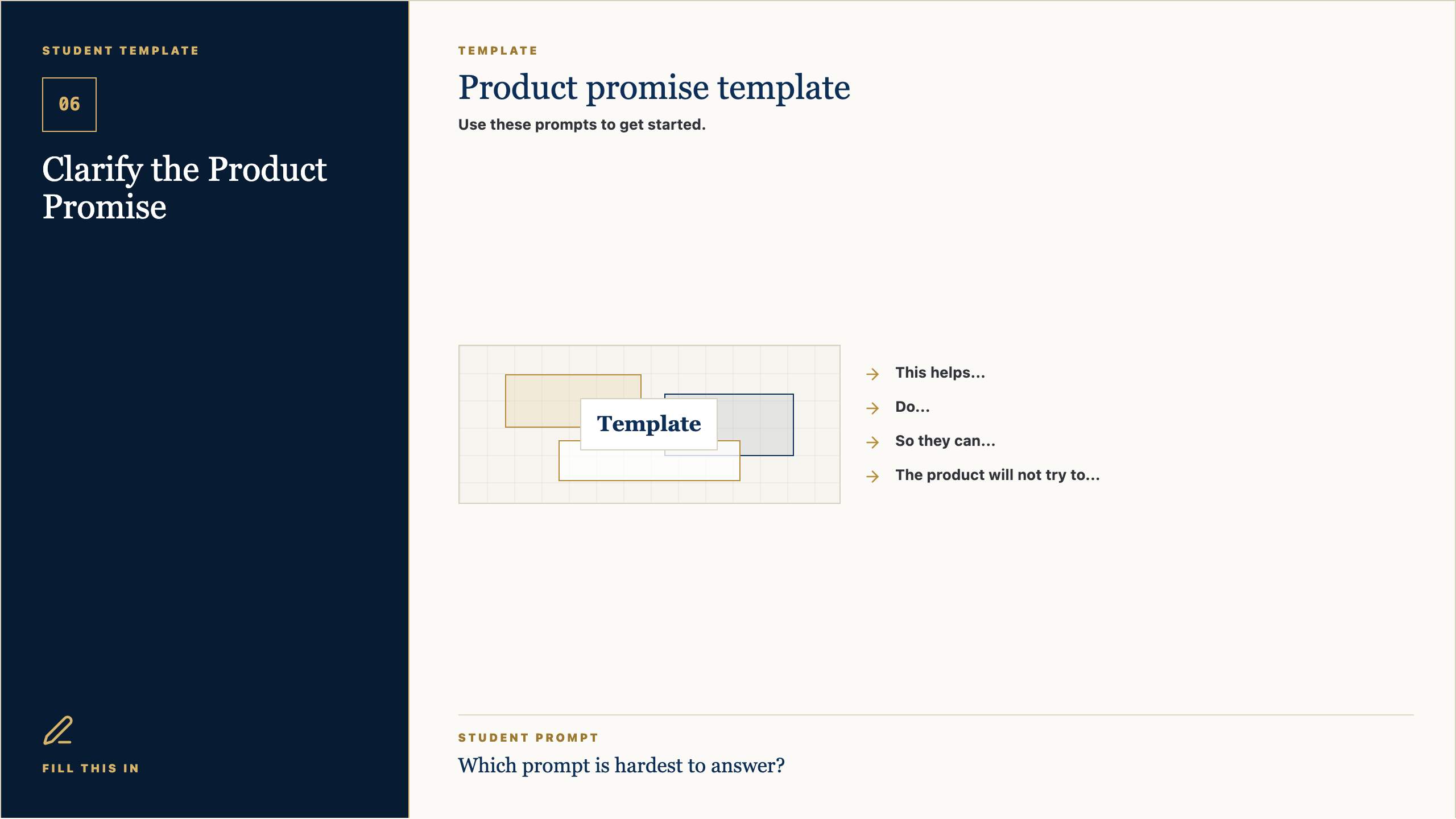
Use this template as a starting line, not a cage. If a prompt is easy, answer it quickly and move on. If one prompt makes you pause, that is probably where the real thinking is. Spend a little time there.
Context Set
Present the template as support, not a worksheet trap. Students should feel guided without feeling boxed in.
Say This
Use this template as a starting line, not a cage. If a prompt is easy, answer it quickly and move on. If one prompt makes you pause, that is probably where the real thinking is. Spend a little time there.
Engage The Room
Ask students to circle or mark the prompt that feels hardest. Then say: start there or save it for last, but do not ignore it. That prompt is probably telling you something useful.
Real-World Example
Say: A professional brief, design board, script, product spec, or research note often begins with simple fields like these. Simple fields force clear thinking before the work gets complicated.
Loop Back
Loop back by saying: the template is here to help you think clearly enough that another person can understand and respond.
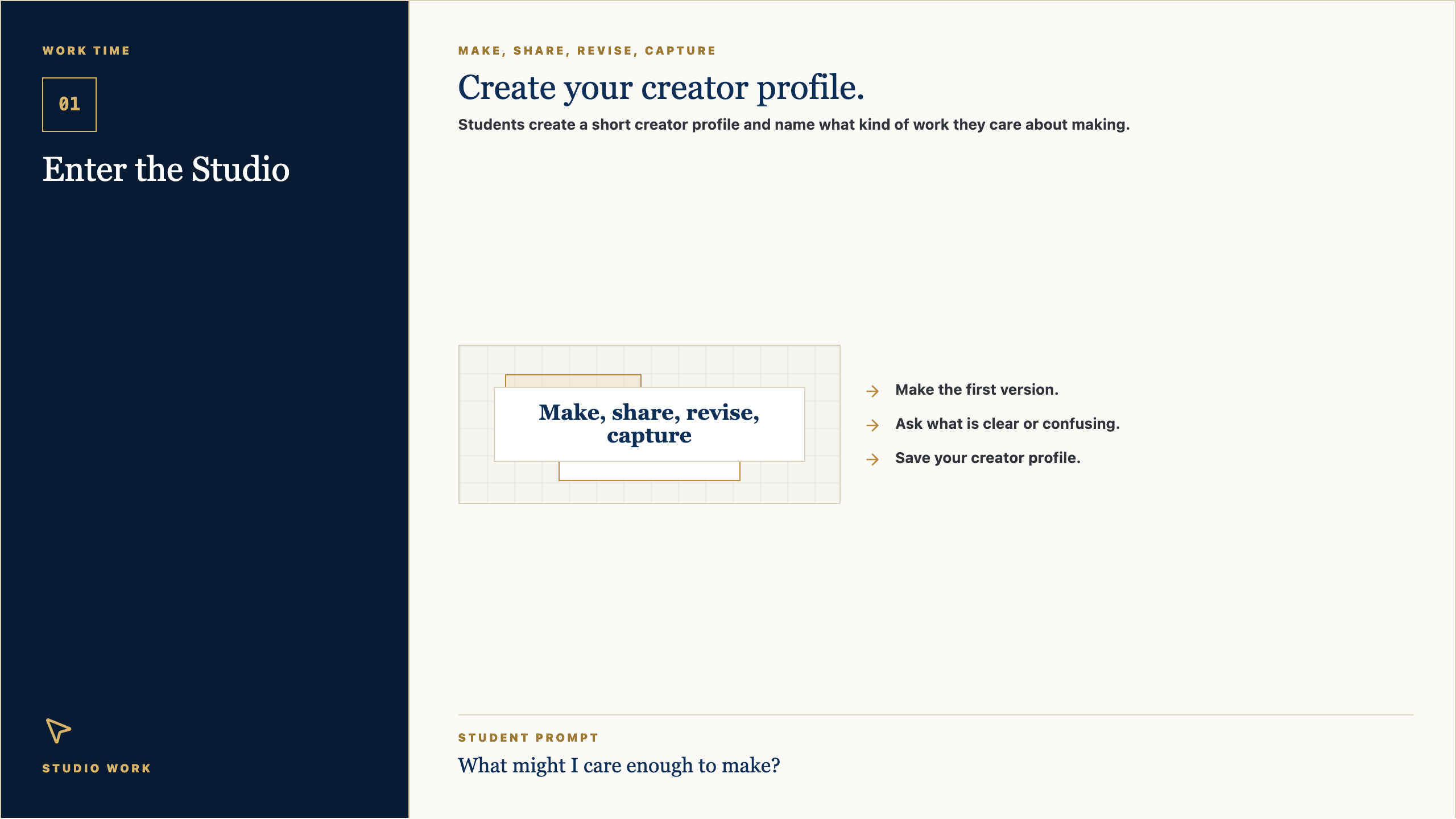
Slide 7: Work Time
Open PNGTalk Track
Now we move from talking to making. Your job is to create the first useful version of your creator profile. I will be walking around asking simple questions: Who is this for? What is clear? What needs another version?
Context Set
This is the transition from teacher voice to studio work. The script should be concise, energizing, and clear about what students should do next.
Say This
Now we move from talking to making. Your job is to create the first useful version of your creator profile. I will be walking around asking simple questions: Who is this for? What is clear? What needs another version?
Engage The Room
Set a visible timer. Tell students the first checkpoint is not for grading; it is for feedback. Halfway through, have them show one person what they have and ask: what is clear, and what is confusing?
Real-World Example
Say: This is how real creative work moves. You make a version, show it to someone, learn something, and make the next version better. Waiting until it is perfect usually means waiting too long.
Loop Back
Loop back by saying: by the end, save the evidence. If it is not saved, it cannot teach you anything next time.
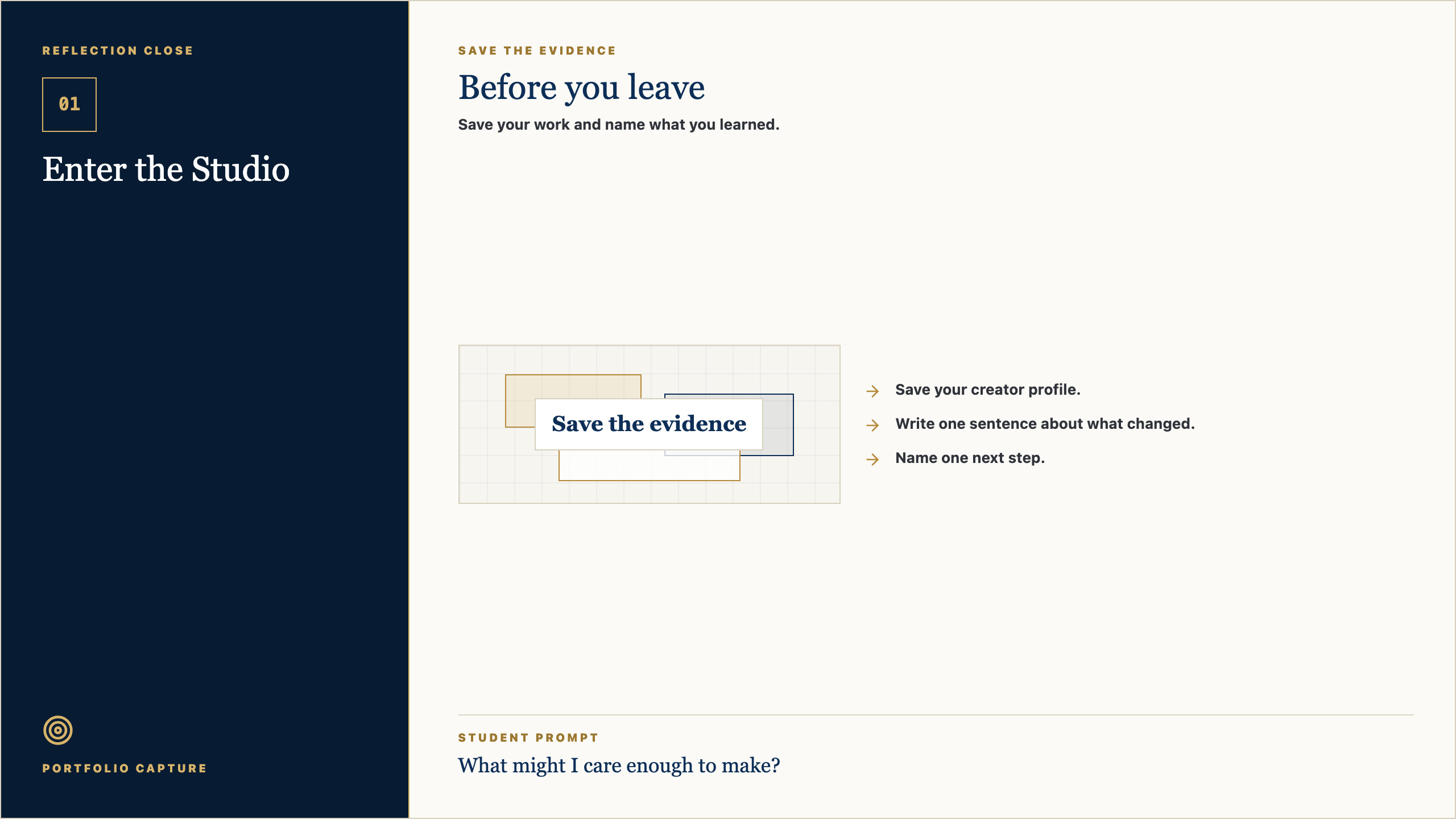
Slide 8: Reflection Close
Open PNGTalk Track
Before you leave, save the work. Then answer this honestly: What might I care enough to make? The reflection matters because it helps you see your own growth. A creator is not just someone who makes; a creator notices how the work changed.
Context Set
Use this as a calm close. The goal is to help students notice growth and preserve evidence without making reflection feel performative.
Say This
Before you leave, save the work. Then answer this honestly: What might I care enough to make? The reflection matters because it helps you see your own growth. A creator is not just someone who makes; a creator notices how the work changed.
Engage The Room
Ask students to write one sentence only. Then invite one or two students to share a specific change: a clearer idea, a better question, a revised choice, or something they now understand.
Real-World Example
Say: Athletes watch film. Musicians listen back. Designers compare versions. Builders test what changed. Reflection is not extra; it is how people improve on purpose.
Loop Back
End by saying: next class we will use this saved evidence as the starting point. The work keeps moving.
Studio Session Deck 02
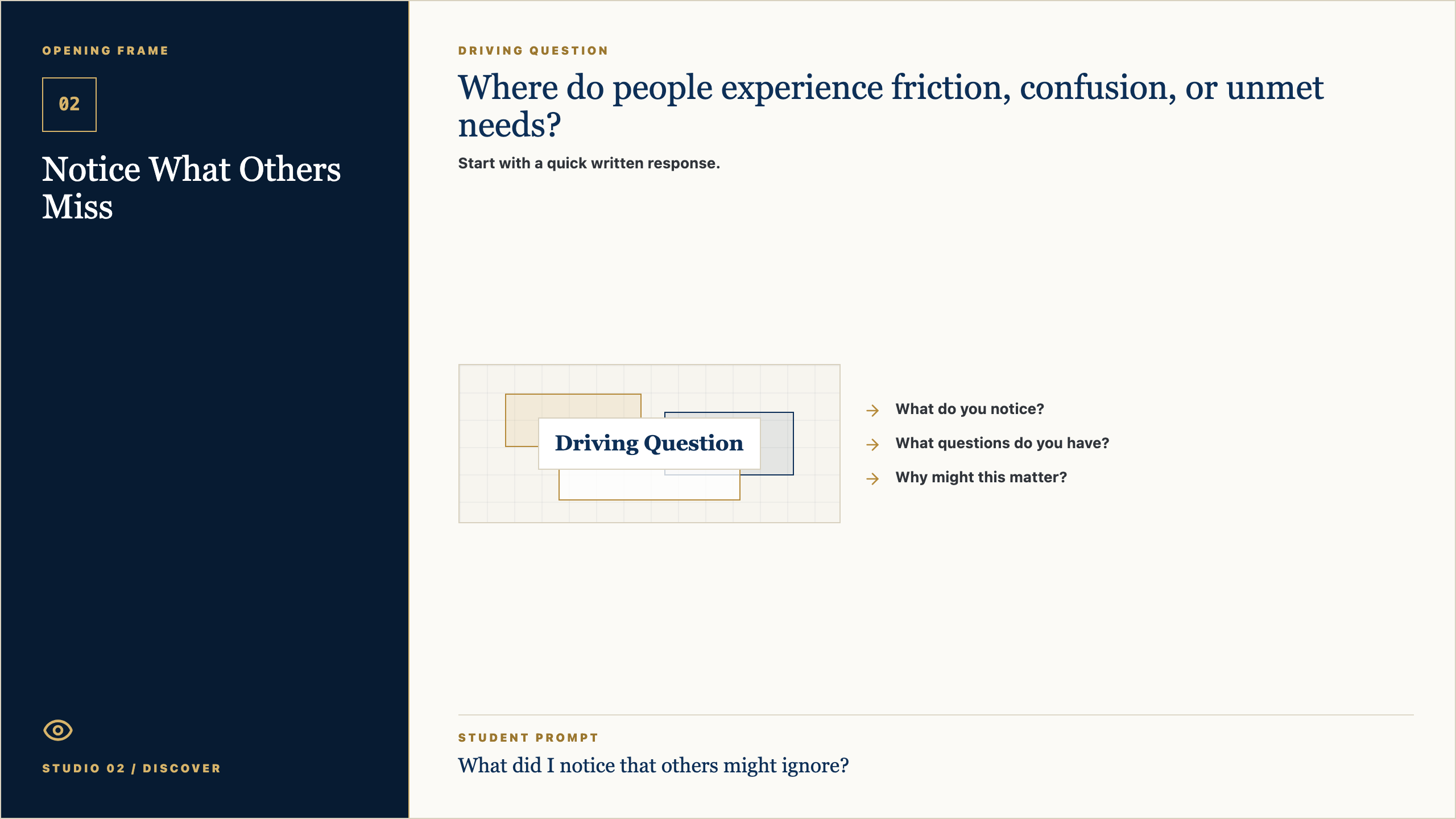
Slide 1: Opening Frame
Open PNGTalk Track
Alright, let's start with the question on the screen: Where do people experience friction, confusion, or unmet needs? Do not try to sound impressive yet. Just write what you honestly notice, what you wonder, or where your mind goes first. Good creators begin by paying attention.
Context Set
Set a calm pace. Give students a few seconds to look before you explain. The goal is to invite attention, not rush into performance.
Say This
Alright, let's start with the question on the screen: Where do people experience friction, confusion, or unmet needs? I do not want a perfect answer. I want your first honest answer. Write what you notice, what you wonder, or where your mind goes. Creators do not begin by pretending they already know. They begin by paying attention.
Engage The Room
Give students 45-60 seconds to write. Then ask for two volunteers: one who noticed something practical and one who had a question. Keep responses short and affirm the noticing, not the polish.
Real-World Example
Say: Think about a time a website, sign-up form, team group chat, lunch line, or school announcement made something easier or harder. Somebody designed that experience. Today we start learning how to see those choices.
Loop Back
Close the opening by saying: keep this question in the back of your mind. By the end of class, you should have one visible piece of thinking that moves your idea a little closer to something real.
Slide 2: Why It Matters
Open PNGTalk Track
The point of this studio is not to become a person who clicks buttons faster. The point is to become someone who can notice a need, shape an idea, and make something useful for somebody else. The tools will change. The habit of seeing clearly will stay with you.
Context Set
Use this slide to make the class feel bigger than tools. The tone should be invitational: students are being trusted with real creative responsibility.
Say This
The point of this studio is not to become a person who clicks buttons faster. The point is to become someone who can notice a need, shape an idea, and make something useful for somebody else. The tools will change. The habit of seeing clearly will stay with you.
Engage The Room
Ask: Where have you seen something small make life easier for people? Let students name ordinary examples: a good checklist, a clear map, a better form, a video that explains something, a schedule that saves confusion.
Real-World Example
Say: A useful thing does not have to be huge. It might be a club finder, a practice guide, a better way to explain service hours, a page for new students, or a tool that helps one person feel less lost.
Loop Back
Loop back to the studio promise: notice a real need, make the thinking visible, get feedback, and improve the work so it serves someone beyond the maker.
Slide 3: Concept Frame
Open PNGTalk Track
Today is about one move in the creator process. In this session, Notice What Others Miss, we are practicing how to slow down enough to make a better choice. If you can explain why you made a choice, you are already working like a designer.
Context Set
Frame the concept as one professional move, not a lecture. Students should know what thinking habit they are practicing and why it matters.
Say This
Today is about one move in the creator process. In this session, Notice What Others Miss, we are practicing how to slow down enough to make a better choice. If you can explain why you made a choice, you are already working like a designer.
Engage The Room
Ask students to point to the key word on the slide. Then ask: What would this look like if someone did it poorly? What would it look like if someone did it with care?
Real-World Example
Say: In real work, teams do this before they build. A product team, a coach, a teacher, a campus minister, a designer, or a student leader all have to decide what matters before asking people to follow a plan.
Loop Back
Bring it back by saying: the concept is not the final product. It is the move that helps your next version become more useful.
Slide 4: Artifact Example
Open PNGTalk Track
By the end of class, you should have a opportunity journal. This is not busywork. It is evidence of your thinking. Someone should be able to look at it and understand what you are noticing, deciding, testing, or improving.
Context Set
Students need to know what they are making and why it counts. Keep the artifact concrete and remove mystery.
Say This
By the end of class, you should have a opportunity journal. This is not busywork. It is evidence of your thinking. Someone should be able to look at it and understand what you are noticing, deciding, testing, or improving.
Engage The Room
Ask: What would make this artifact clear to someone who was not in class today? Take three answers and turn them into quality criteria on the spot.
Real-World Example
Say: Imagine you were absent and a classmate handed you their opportunity journal. Could you tell what they cared about, what they learned, or what decision they made? That is the standard.
Loop Back
Loop back by saying: the artifact is a snapshot of your thinking today. It does not need to be final. It does need to be visible.
Slide 5: Simple Steps
Open PNGTalk Track
Here is the way in: keep it simple. Start with the prompts, make a rough first version, and do not wait for it to be perfect. We can improve rough work. We cannot improve work that only stays in your head.
Context Set
Lower the barrier to starting. This is where Mark's style should feel practical and reassuring: rough work is welcome because rough work can be improved.
Say This
Here is the way in: keep it simple. Start with the prompts, make a rough first version, and do not wait for it to be perfect. We can improve rough work. We cannot improve work that only stays in your head.
Engage The Room
Ask students to choose their first move silently: write, sketch, list, interview, map, prompt, revise, or test. Have them point to the step they will begin with before they open a tool.
Real-World Example
Say: Most good work starts as something unimpressive: a messy note, a box-and-arrow sketch, a sentence that is almost right, a page with the wrong layout. The important thing is that it exists, because now we can work with it.
Loop Back
Loop back by saying: your first version is not your identity. It is just the next piece of evidence.
Slide 6: Student Template
Open PNGTalk Track
Use this template as a starting line, not a cage. If a prompt is easy, answer it quickly and move on. If one prompt makes you pause, that is probably where the real thinking is. Spend a little time there.
Context Set
Present the template as support, not a worksheet trap. Students should feel guided without feeling boxed in.
Say This
Use this template as a starting line, not a cage. If a prompt is easy, answer it quickly and move on. If one prompt makes you pause, that is probably where the real thinking is. Spend a little time there.
Engage The Room
Ask students to circle or mark the prompt that feels hardest. Then say: start there or save it for last, but do not ignore it. That prompt is probably telling you something useful.
Real-World Example
Say: A professional brief, design board, script, product spec, or research note often begins with simple fields like these. Simple fields force clear thinking before the work gets complicated.
Loop Back
Loop back by saying: the template is here to help you think clearly enough that another person can understand and respond.
Slide 7: Work Time
Open PNGTalk Track
Now we move from talking to making. Your job is to create the first useful version of your opportunity journal. I will be walking around asking simple questions: Who is this for? What is clear? What needs another version?
Context Set
This is the transition from teacher voice to studio work. The script should be concise, energizing, and clear about what students should do next.
Say This
Now we move from talking to making. Your job is to create the first useful version of your opportunity journal. I will be walking around asking simple questions: Who is this for? What is clear? What needs another version?
Engage The Room
Set a visible timer. Tell students the first checkpoint is not for grading; it is for feedback. Halfway through, have them show one person what they have and ask: what is clear, and what is confusing?
Real-World Example
Say: This is how real creative work moves. You make a version, show it to someone, learn something, and make the next version better. Waiting until it is perfect usually means waiting too long.
Loop Back
Loop back by saying: by the end, save the evidence. If it is not saved, it cannot teach you anything next time.
Slide 8: Reflection Close
Open PNGTalk Track
Before you leave, save the work. Then answer this honestly: What did I notice that others might ignore? The reflection matters because it helps you see your own growth. A creator is not just someone who makes; a creator notices how the work changed.
Context Set
Use this as a calm close. The goal is to help students notice growth and preserve evidence without making reflection feel performative.
Say This
Before you leave, save the work. Then answer this honestly: What did I notice that others might ignore? The reflection matters because it helps you see your own growth. A creator is not just someone who makes; a creator notices how the work changed.
Engage The Room
Ask students to write one sentence only. Then invite one or two students to share a specific change: a clearer idea, a better question, a revised choice, or something they now understand.
Real-World Example
Say: Athletes watch film. Musicians listen back. Designers compare versions. Builders test what changed. Reflection is not extra; it is how people improve on purpose.
Loop Back
End by saying: next class we will use this saved evidence as the starting point. The work keeps moving.
Studio Session Deck 03
Slide 1: Opening Frame
Open PNGTalk Track
Alright, let's start with the question on the screen: What changes when I listen before solving? Do not try to sound impressive yet. Just write what you honestly notice, what you wonder, or where your mind goes first. Good creators begin by paying attention.
Context Set
Set a calm pace. Give students a few seconds to look before you explain. The goal is to invite attention, not rush into performance.
Say This
Alright, let's start with the question on the screen: What changes when I listen before solving? I do not want a perfect answer. I want your first honest answer. Write what you notice, what you wonder, or where your mind goes. Creators do not begin by pretending they already know. They begin by paying attention.
Engage The Room
Give students 45-60 seconds to write. Then ask for two volunteers: one who noticed something practical and one who had a question. Keep responses short and affirm the noticing, not the polish.
Real-World Example
Say: Think about a time a website, sign-up form, team group chat, lunch line, or school announcement made something easier or harder. Somebody designed that experience. Today we start learning how to see those choices.
Loop Back
Close the opening by saying: keep this question in the back of your mind. By the end of class, you should have one visible piece of thinking that moves your idea a little closer to something real.
Slide 2: Why It Matters
Open PNGTalk Track
The point of this studio is not to become a person who clicks buttons faster. The point is to become someone who can notice a need, shape an idea, and make something useful for somebody else. The tools will change. The habit of seeing clearly will stay with you.
Context Set
Use this slide to make the class feel bigger than tools. The tone should be invitational: students are being trusted with real creative responsibility.
Say This
The point of this studio is not to become a person who clicks buttons faster. The point is to become someone who can notice a need, shape an idea, and make something useful for somebody else. The tools will change. The habit of seeing clearly will stay with you.
Engage The Room
Ask: Where have you seen something small make life easier for people? Let students name ordinary examples: a good checklist, a clear map, a better form, a video that explains something, a schedule that saves confusion.
Real-World Example
Say: A useful thing does not have to be huge. It might be a club finder, a practice guide, a better way to explain service hours, a page for new students, or a tool that helps one person feel less lost.
Loop Back
Loop back to the studio promise: notice a real need, make the thinking visible, get feedback, and improve the work so it serves someone beyond the maker.
Slide 3: Concept Frame
Open PNGTalk Track
Today is about one move in the creator process. In this session, Understand a Real Person, we are practicing how to slow down enough to make a better choice. If you can explain why you made a choice, you are already working like a designer.
Context Set
Frame the concept as one professional move, not a lecture. Students should know what thinking habit they are practicing and why it matters.
Say This
Today is about one move in the creator process. In this session, Understand a Real Person, we are practicing how to slow down enough to make a better choice. If you can explain why you made a choice, you are already working like a designer.
Engage The Room
Ask students to point to the key word on the slide. Then ask: What would this look like if someone did it poorly? What would it look like if someone did it with care?
Real-World Example
Say: In real work, teams do this before they build. A product team, a coach, a teacher, a campus minister, a designer, or a student leader all have to decide what matters before asking people to follow a plan.
Loop Back
Bring it back by saying: the concept is not the final product. It is the move that helps your next version become more useful.
Slide 4: Artifact Example
Open PNGTalk Track
By the end of class, you should have a user insight. This is not busywork. It is evidence of your thinking. Someone should be able to look at it and understand what you are noticing, deciding, testing, or improving.
Context Set
Students need to know what they are making and why it counts. Keep the artifact concrete and remove mystery.
Say This
By the end of class, you should have a user insight. This is not busywork. It is evidence of your thinking. Someone should be able to look at it and understand what you are noticing, deciding, testing, or improving.
Engage The Room
Ask: What would make this artifact clear to someone who was not in class today? Take three answers and turn them into quality criteria on the spot.
Real-World Example
Say: Imagine you were absent and a classmate handed you their user insight. Could you tell what they cared about, what they learned, or what decision they made? That is the standard.
Loop Back
Loop back by saying: the artifact is a snapshot of your thinking today. It does not need to be final. It does need to be visible.
Slide 5: Simple Steps
Open PNGTalk Track
Here is the way in: keep it simple. Start with the prompts, make a rough first version, and do not wait for it to be perfect. We can improve rough work. We cannot improve work that only stays in your head.
Context Set
Lower the barrier to starting. This is where Mark's style should feel practical and reassuring: rough work is welcome because rough work can be improved.
Say This
Here is the way in: keep it simple. Start with the prompts, make a rough first version, and do not wait for it to be perfect. We can improve rough work. We cannot improve work that only stays in your head.
Engage The Room
Ask students to choose their first move silently: write, sketch, list, interview, map, prompt, revise, or test. Have them point to the step they will begin with before they open a tool.
Real-World Example
Say: Most good work starts as something unimpressive: a messy note, a box-and-arrow sketch, a sentence that is almost right, a page with the wrong layout. The important thing is that it exists, because now we can work with it.
Loop Back
Loop back by saying: your first version is not your identity. It is just the next piece of evidence.
Slide 6: Student Template
Open PNGTalk Track
Use this template as a starting line, not a cage. If a prompt is easy, answer it quickly and move on. If one prompt makes you pause, that is probably where the real thinking is. Spend a little time there.
Context Set
Present the template as support, not a worksheet trap. Students should feel guided without feeling boxed in.
Say This
Use this template as a starting line, not a cage. If a prompt is easy, answer it quickly and move on. If one prompt makes you pause, that is probably where the real thinking is. Spend a little time there.
Engage The Room
Ask students to circle or mark the prompt that feels hardest. Then say: start there or save it for last, but do not ignore it. That prompt is probably telling you something useful.
Real-World Example
Say: A professional brief, design board, script, product spec, or research note often begins with simple fields like these. Simple fields force clear thinking before the work gets complicated.
Loop Back
Loop back by saying: the template is here to help you think clearly enough that another person can understand and respond.
Slide 7: Work Time
Open PNGTalk Track
Now we move from talking to making. Your job is to create the first useful version of your user insight. I will be walking around asking simple questions: Who is this for? What is clear? What needs another version?
Context Set
This is the transition from teacher voice to studio work. The script should be concise, energizing, and clear about what students should do next.
Say This
Now we move from talking to making. Your job is to create the first useful version of your user insight. I will be walking around asking simple questions: Who is this for? What is clear? What needs another version?
Engage The Room
Set a visible timer. Tell students the first checkpoint is not for grading; it is for feedback. Halfway through, have them show one person what they have and ask: what is clear, and what is confusing?
Real-World Example
Say: This is how real creative work moves. You make a version, show it to someone, learn something, and make the next version better. Waiting until it is perfect usually means waiting too long.
Loop Back
Loop back by saying: by the end, save the evidence. If it is not saved, it cannot teach you anything next time.
Slide 8: Reflection Close
Open PNGTalk Track
Before you leave, save the work. Then answer this honestly: What did a real person help me understand? The reflection matters because it helps you see your own growth. A creator is not just someone who makes; a creator notices how the work changed.
Context Set
Use this as a calm close. The goal is to help students notice growth and preserve evidence without making reflection feel performative.
Say This
Before you leave, save the work. Then answer this honestly: What did a real person help me understand? The reflection matters because it helps you see your own growth. A creator is not just someone who makes; a creator notices how the work changed.
Engage The Room
Ask students to write one sentence only. Then invite one or two students to share a specific change: a clearer idea, a better question, a revised choice, or something they now understand.
Real-World Example
Say: Athletes watch film. Musicians listen back. Designers compare versions. Builders test what changed. Reflection is not extra; it is how people improve on purpose.
Loop Back
End by saying: next class we will use this saved evidence as the starting point. The work keeps moving.
Studio Session Deck 04
Slide 1: Opening Frame
Open PNGTalk Track
Alright, let's start with the question on the screen: What opportunity is worth pursuing? Do not try to sound impressive yet. Just write what you honestly notice, what you wonder, or where your mind goes first. Good creators begin by paying attention.
Context Set
Set a calm pace. Give students a few seconds to look before you explain. The goal is to invite attention, not rush into performance.
Say This
Alright, let's start with the question on the screen: What opportunity is worth pursuing? I do not want a perfect answer. I want your first honest answer. Write what you notice, what you wonder, or where your mind goes. Creators do not begin by pretending they already know. They begin by paying attention.
Engage The Room
Give students 45-60 seconds to write. Then ask for two volunteers: one who noticed something practical and one who had a question. Keep responses short and affirm the noticing, not the polish.
Real-World Example
Say: Think about a time a website, sign-up form, team group chat, lunch line, or school announcement made something easier or harder. Somebody designed that experience. Today we start learning how to see those choices.
Loop Back
Close the opening by saying: keep this question in the back of your mind. By the end of class, you should have one visible piece of thinking that moves your idea a little closer to something real.
Slide 2: Why It Matters
Open PNGTalk Track
The point of this studio is not to become a person who clicks buttons faster. The point is to become someone who can notice a need, shape an idea, and make something useful for somebody else. The tools will change. The habit of seeing clearly will stay with you.
Context Set
Use this slide to make the class feel bigger than tools. The tone should be invitational: students are being trusted with real creative responsibility.
Say This
The point of this studio is not to become a person who clicks buttons faster. The point is to become someone who can notice a need, shape an idea, and make something useful for somebody else. The tools will change. The habit of seeing clearly will stay with you.
Engage The Room
Ask: Where have you seen something small make life easier for people? Let students name ordinary examples: a good checklist, a clear map, a better form, a video that explains something, a schedule that saves confusion.
Real-World Example
Say: A useful thing does not have to be huge. It might be a club finder, a practice guide, a better way to explain service hours, a page for new students, or a tool that helps one person feel less lost.
Loop Back
Loop back to the studio promise: notice a real need, make the thinking visible, get feedback, and improve the work so it serves someone beyond the maker.
Slide 3: Concept Frame
Open PNGTalk Track
Today is about one move in the creator process. In this session, Frame the Opportunity, we are practicing how to slow down enough to make a better choice. If you can explain why you made a choice, you are already working like a designer.
Context Set
Frame the concept as one professional move, not a lecture. Students should know what thinking habit they are practicing and why it matters.
Say This
Today is about one move in the creator process. In this session, Frame the Opportunity, we are practicing how to slow down enough to make a better choice. If you can explain why you made a choice, you are already working like a designer.
Engage The Room
Ask students to point to the key word on the slide. Then ask: What would this look like if someone did it poorly? What would it look like if someone did it with care?
Real-World Example
Say: In real work, teams do this before they build. A product team, a coach, a teacher, a campus minister, a designer, or a student leader all have to decide what matters before asking people to follow a plan.
Loop Back
Bring it back by saying: the concept is not the final product. It is the move that helps your next version become more useful.
Slide 4: Artifact Example
Open PNGTalk Track
By the end of class, you should have a opportunity brief. This is not busywork. It is evidence of your thinking. Someone should be able to look at it and understand what you are noticing, deciding, testing, or improving.
Context Set
Students need to know what they are making and why it counts. Keep the artifact concrete and remove mystery.
Say This
By the end of class, you should have a opportunity brief. This is not busywork. It is evidence of your thinking. Someone should be able to look at it and understand what you are noticing, deciding, testing, or improving.
Engage The Room
Ask: What would make this artifact clear to someone who was not in class today? Take three answers and turn them into quality criteria on the spot.
Real-World Example
Say: Imagine you were absent and a classmate handed you their opportunity brief. Could you tell what they cared about, what they learned, or what decision they made? That is the standard.
Loop Back
Loop back by saying: the artifact is a snapshot of your thinking today. It does not need to be final. It does need to be visible.
Slide 5: Simple Steps
Open PNGTalk Track
Here is the way in: keep it simple. Start with the prompts, make a rough first version, and do not wait for it to be perfect. We can improve rough work. We cannot improve work that only stays in your head.
Context Set
Lower the barrier to starting. This is where Mark's style should feel practical and reassuring: rough work is welcome because rough work can be improved.
Say This
Here is the way in: keep it simple. Start with the prompts, make a rough first version, and do not wait for it to be perfect. We can improve rough work. We cannot improve work that only stays in your head.
Engage The Room
Ask students to choose their first move silently: write, sketch, list, interview, map, prompt, revise, or test. Have them point to the step they will begin with before they open a tool.
Real-World Example
Say: Most good work starts as something unimpressive: a messy note, a box-and-arrow sketch, a sentence that is almost right, a page with the wrong layout. The important thing is that it exists, because now we can work with it.
Loop Back
Loop back by saying: your first version is not your identity. It is just the next piece of evidence.
Slide 6: Student Template
Open PNGTalk Track
Use this template as a starting line, not a cage. If a prompt is easy, answer it quickly and move on. If one prompt makes you pause, that is probably where the real thinking is. Spend a little time there.
Context Set
Present the template as support, not a worksheet trap. Students should feel guided without feeling boxed in.
Say This
Use this template as a starting line, not a cage. If a prompt is easy, answer it quickly and move on. If one prompt makes you pause, that is probably where the real thinking is. Spend a little time there.
Engage The Room
Ask students to circle or mark the prompt that feels hardest. Then say: start there or save it for last, but do not ignore it. That prompt is probably telling you something useful.
Real-World Example
Say: A professional brief, design board, script, product spec, or research note often begins with simple fields like these. Simple fields force clear thinking before the work gets complicated.
Loop Back
Loop back by saying: the template is here to help you think clearly enough that another person can understand and respond.
Slide 7: Work Time
Open PNGTalk Track
Now we move from talking to making. Your job is to create the first useful version of your opportunity brief. I will be walking around asking simple questions: Who is this for? What is clear? What needs another version?
Context Set
This is the transition from teacher voice to studio work. The script should be concise, energizing, and clear about what students should do next.
Say This
Now we move from talking to making. Your job is to create the first useful version of your opportunity brief. I will be walking around asking simple questions: Who is this for? What is clear? What needs another version?
Engage The Room
Set a visible timer. Tell students the first checkpoint is not for grading; it is for feedback. Halfway through, have them show one person what they have and ask: what is clear, and what is confusing?
Real-World Example
Say: This is how real creative work moves. You make a version, show it to someone, learn something, and make the next version better. Waiting until it is perfect usually means waiting too long.
Loop Back
Loop back by saying: by the end, save the evidence. If it is not saved, it cannot teach you anything next time.
Slide 8: Reflection Close
Open PNGTalk Track
Before you leave, save the work. Then answer this honestly: Who is this for, and what should improve? The reflection matters because it helps you see your own growth. A creator is not just someone who makes; a creator notices how the work changed.
Context Set
Use this as a calm close. The goal is to help students notice growth and preserve evidence without making reflection feel performative.
Say This
Before you leave, save the work. Then answer this honestly: Who is this for, and what should improve? The reflection matters because it helps you see your own growth. A creator is not just someone who makes; a creator notices how the work changed.
Engage The Room
Ask students to write one sentence only. Then invite one or two students to share a specific change: a clearer idea, a better question, a revised choice, or something they now understand.
Real-World Example
Say: Athletes watch film. Musicians listen back. Designers compare versions. Builders test what changed. Reflection is not extra; it is how people improve on purpose.
Loop Back
End by saying: next class we will use this saved evidence as the starting point. The work keeps moving.
Studio Session Deck 05
Slide 1: Opening Frame
Open PNGTalk Track
Alright, let's start with the question on the screen: How many good responses can this need inspire? Do not try to sound impressive yet. Just write what you honestly notice, what you wonder, or where your mind goes first. Good creators begin by paying attention.
Context Set
Set a calm pace. Give students a few seconds to look before you explain. The goal is to invite attention, not rush into performance.
Say This
Alright, let's start with the question on the screen: How many good responses can this need inspire? I do not want a perfect answer. I want your first honest answer. Write what you notice, what you wonder, or where your mind goes. Creators do not begin by pretending they already know. They begin by paying attention.
Engage The Room
Give students 45-60 seconds to write. Then ask for two volunteers: one who noticed something practical and one who had a question. Keep responses short and affirm the noticing, not the polish.
Real-World Example
Say: Think about a time a website, sign-up form, team group chat, lunch line, or school announcement made something easier or harder. Somebody designed that experience. Today we start learning how to see those choices.
Loop Back
Close the opening by saying: keep this question in the back of your mind. By the end of class, you should have one visible piece of thinking that moves your idea a little closer to something real.
Slide 2: Why It Matters
Open PNGTalk Track
The point of this studio is not to become a person who clicks buttons faster. The point is to become someone who can notice a need, shape an idea, and make something useful for somebody else. The tools will change. The habit of seeing clearly will stay with you.
Context Set
Use this slide to make the class feel bigger than tools. The tone should be invitational: students are being trusted with real creative responsibility.
Say This
The point of this studio is not to become a person who clicks buttons faster. The point is to become someone who can notice a need, shape an idea, and make something useful for somebody else. The tools will change. The habit of seeing clearly will stay with you.
Engage The Room
Ask: Where have you seen something small make life easier for people? Let students name ordinary examples: a good checklist, a clear map, a better form, a video that explains something, a schedule that saves confusion.
Real-World Example
Say: A useful thing does not have to be huge. It might be a club finder, a practice guide, a better way to explain service hours, a page for new students, or a tool that helps one person feel less lost.
Loop Back
Loop back to the studio promise: notice a real need, make the thinking visible, get feedback, and improve the work so it serves someone beyond the maker.
Slide 3: Concept Frame
Open PNGTalk Track
Today is about one move in the creator process. In this session, Generate Possibilities, we are practicing how to slow down enough to make a better choice. If you can explain why you made a choice, you are already working like a designer.
Context Set
Frame the concept as one professional move, not a lecture. Students should know what thinking habit they are practicing and why it matters.
Say This
Today is about one move in the creator process. In this session, Generate Possibilities, we are practicing how to slow down enough to make a better choice. If you can explain why you made a choice, you are already working like a designer.
Engage The Room
Ask students to point to the key word on the slide. Then ask: What would this look like if someone did it poorly? What would it look like if someone did it with care?
Real-World Example
Say: In real work, teams do this before they build. A product team, a coach, a teacher, a campus minister, a designer, or a student leader all have to decide what matters before asking people to follow a plan.
Loop Back
Bring it back by saying: the concept is not the final product. It is the move that helps your next version become more useful.
Slide 4: Artifact Example
Open PNGTalk Track
By the end of class, you should have a concept gallery. This is not busywork. It is evidence of your thinking. Someone should be able to look at it and understand what you are noticing, deciding, testing, or improving.
Context Set
Students need to know what they are making and why it counts. Keep the artifact concrete and remove mystery.
Say This
By the end of class, you should have a concept gallery. This is not busywork. It is evidence of your thinking. Someone should be able to look at it and understand what you are noticing, deciding, testing, or improving.
Engage The Room
Ask: What would make this artifact clear to someone who was not in class today? Take three answers and turn them into quality criteria on the spot.
Real-World Example
Say: Imagine you were absent and a classmate handed you their concept gallery. Could you tell what they cared about, what they learned, or what decision they made? That is the standard.
Loop Back
Loop back by saying: the artifact is a snapshot of your thinking today. It does not need to be final. It does need to be visible.
Slide 5: Simple Steps
Open PNGTalk Track
Here is the way in: keep it simple. Start with the prompts, make a rough first version, and do not wait for it to be perfect. We can improve rough work. We cannot improve work that only stays in your head.
Context Set
Lower the barrier to starting. This is where Mark's style should feel practical and reassuring: rough work is welcome because rough work can be improved.
Say This
Here is the way in: keep it simple. Start with the prompts, make a rough first version, and do not wait for it to be perfect. We can improve rough work. We cannot improve work that only stays in your head.
Engage The Room
Ask students to choose their first move silently: write, sketch, list, interview, map, prompt, revise, or test. Have them point to the step they will begin with before they open a tool.
Real-World Example
Say: Most good work starts as something unimpressive: a messy note, a box-and-arrow sketch, a sentence that is almost right, a page with the wrong layout. The important thing is that it exists, because now we can work with it.
Loop Back
Loop back by saying: your first version is not your identity. It is just the next piece of evidence.
Slide 6: Student Template
Open PNGTalk Track
Use this template as a starting line, not a cage. If a prompt is easy, answer it quickly and move on. If one prompt makes you pause, that is probably where the real thinking is. Spend a little time there.
Context Set
Present the template as support, not a worksheet trap. Students should feel guided without feeling boxed in.
Say This
Use this template as a starting line, not a cage. If a prompt is easy, answer it quickly and move on. If one prompt makes you pause, that is probably where the real thinking is. Spend a little time there.
Engage The Room
Ask students to circle or mark the prompt that feels hardest. Then say: start there or save it for last, but do not ignore it. That prompt is probably telling you something useful.
Real-World Example
Say: A professional brief, design board, script, product spec, or research note often begins with simple fields like these. Simple fields force clear thinking before the work gets complicated.
Loop Back
Loop back by saying: the template is here to help you think clearly enough that another person can understand and respond.
Slide 7: Work Time
Open PNGTalk Track
Now we move from talking to making. Your job is to create the first useful version of your concept gallery. I will be walking around asking simple questions: Who is this for? What is clear? What needs another version?
Context Set
This is the transition from teacher voice to studio work. The script should be concise, energizing, and clear about what students should do next.
Say This
Now we move from talking to making. Your job is to create the first useful version of your concept gallery. I will be walking around asking simple questions: Who is this for? What is clear? What needs another version?
Engage The Room
Set a visible timer. Tell students the first checkpoint is not for grading; it is for feedback. Halfway through, have them show one person what they have and ask: what is clear, and what is confusing?
Real-World Example
Say: This is how real creative work moves. You make a version, show it to someone, learn something, and make the next version better. Waiting until it is perfect usually means waiting too long.
Loop Back
Loop back by saying: by the end, save the evidence. If it is not saved, it cannot teach you anything next time.
Slide 8: Reflection Close
Open PNGTalk Track
Before you leave, save the work. Then answer this honestly: Which idea best serves the need? The reflection matters because it helps you see your own growth. A creator is not just someone who makes; a creator notices how the work changed.
Context Set
Use this as a calm close. The goal is to help students notice growth and preserve evidence without making reflection feel performative.
Say This
Before you leave, save the work. Then answer this honestly: Which idea best serves the need? The reflection matters because it helps you see your own growth. A creator is not just someone who makes; a creator notices how the work changed.
Engage The Room
Ask students to write one sentence only. Then invite one or two students to share a specific change: a clearer idea, a better question, a revised choice, or something they now understand.
Real-World Example
Say: Athletes watch film. Musicians listen back. Designers compare versions. Builders test what changed. Reflection is not extra; it is how people improve on purpose.
Loop Back
End by saying: next class we will use this saved evidence as the starting point. The work keeps moving.
Studio Session Deck 06
Slide 1: Opening Frame
Open PNGTalk Track
Alright, let's start with the question on the screen: What exactly will this product do for someone? Do not try to sound impressive yet. Just write what you honestly notice, what you wonder, or where your mind goes first. Good creators begin by paying attention.
Context Set
Set a calm pace. Give students a few seconds to look before you explain. The goal is to invite attention, not rush into performance.
Say This
Alright, let's start with the question on the screen: What exactly will this product do for someone? I do not want a perfect answer. I want your first honest answer. Write what you notice, what you wonder, or where your mind goes. Creators do not begin by pretending they already know. They begin by paying attention.
Engage The Room
Give students 45-60 seconds to write. Then ask for two volunteers: one who noticed something practical and one who had a question. Keep responses short and affirm the noticing, not the polish.
Real-World Example
Say: Think about a time a website, sign-up form, team group chat, lunch line, or school announcement made something easier or harder. Somebody designed that experience. Today we start learning how to see those choices.
Loop Back
Close the opening by saying: keep this question in the back of your mind. By the end of class, you should have one visible piece of thinking that moves your idea a little closer to something real.
Slide 2: Why It Matters
Open PNGTalk Track
The point of this studio is not to become a person who clicks buttons faster. The point is to become someone who can notice a need, shape an idea, and make something useful for somebody else. The tools will change. The habit of seeing clearly will stay with you.
Context Set
Use this slide to make the class feel bigger than tools. The tone should be invitational: students are being trusted with real creative responsibility.
Say This
The point of this studio is not to become a person who clicks buttons faster. The point is to become someone who can notice a need, shape an idea, and make something useful for somebody else. The tools will change. The habit of seeing clearly will stay with you.
Engage The Room
Ask: Where have you seen something small make life easier for people? Let students name ordinary examples: a good checklist, a clear map, a better form, a video that explains something, a schedule that saves confusion.
Real-World Example
Say: A useful thing does not have to be huge. It might be a club finder, a practice guide, a better way to explain service hours, a page for new students, or a tool that helps one person feel less lost.
Loop Back
Loop back to the studio promise: notice a real need, make the thinking visible, get feedback, and improve the work so it serves someone beyond the maker.
Slide 3: Concept Frame
Open PNGTalk Track
Today is about one move in the creator process. In this session, Clarify the Product Promise, we are practicing how to slow down enough to make a better choice. If you can explain why you made a choice, you are already working like a designer.
Context Set
Frame the concept as one professional move, not a lecture. Students should know what thinking habit they are practicing and why it matters.
Say This
Today is about one move in the creator process. In this session, Clarify the Product Promise, we are practicing how to slow down enough to make a better choice. If you can explain why you made a choice, you are already working like a designer.
Engage The Room
Ask students to point to the key word on the slide. Then ask: What would this look like if someone did it poorly? What would it look like if someone did it with care?
Real-World Example
Say: In real work, teams do this before they build. A product team, a coach, a teacher, a campus minister, a designer, or a student leader all have to decide what matters before asking people to follow a plan.
Loop Back
Bring it back by saying: the concept is not the final product. It is the move that helps your next version become more useful.
Slide 4: Artifact Example
Open PNGTalk Track
By the end of class, you should have a product promise. This is not busywork. It is evidence of your thinking. Someone should be able to look at it and understand what you are noticing, deciding, testing, or improving.
Context Set
Students need to know what they are making and why it counts. Keep the artifact concrete and remove mystery.
Say This
By the end of class, you should have a product promise. This is not busywork. It is evidence of your thinking. Someone should be able to look at it and understand what you are noticing, deciding, testing, or improving.
Engage The Room
Ask: What would make this artifact clear to someone who was not in class today? Take three answers and turn them into quality criteria on the spot.
Real-World Example
Say: Imagine you were absent and a classmate handed you their product promise. Could you tell what they cared about, what they learned, or what decision they made? That is the standard.
Loop Back
Loop back by saying: the artifact is a snapshot of your thinking today. It does not need to be final. It does need to be visible.
Slide 5: Simple Steps
Open PNGTalk Track
Here is the way in: keep it simple. Start with the prompts, make a rough first version, and do not wait for it to be perfect. We can improve rough work. We cannot improve work that only stays in your head.
Context Set
Lower the barrier to starting. This is where Mark's style should feel practical and reassuring: rough work is welcome because rough work can be improved.
Say This
Here is the way in: keep it simple. Start with the prompts, make a rough first version, and do not wait for it to be perfect. We can improve rough work. We cannot improve work that only stays in your head.
Engage The Room
Ask students to choose their first move silently: write, sketch, list, interview, map, prompt, revise, or test. Have them point to the step they will begin with before they open a tool.
Real-World Example
Say: Most good work starts as something unimpressive: a messy note, a box-and-arrow sketch, a sentence that is almost right, a page with the wrong layout. The important thing is that it exists, because now we can work with it.
Loop Back
Loop back by saying: your first version is not your identity. It is just the next piece of evidence.
Slide 6: Student Template
Open PNGTalk Track
Use this template as a starting line, not a cage. If a prompt is easy, answer it quickly and move on. If one prompt makes you pause, that is probably where the real thinking is. Spend a little time there.
Context Set
Present the template as support, not a worksheet trap. Students should feel guided without feeling boxed in.
Say This
Use this template as a starting line, not a cage. If a prompt is easy, answer it quickly and move on. If one prompt makes you pause, that is probably where the real thinking is. Spend a little time there.
Engage The Room
Ask students to circle or mark the prompt that feels hardest. Then say: start there or save it for last, but do not ignore it. That prompt is probably telling you something useful.
Real-World Example
Say: A professional brief, design board, script, product spec, or research note often begins with simple fields like these. Simple fields force clear thinking before the work gets complicated.
Loop Back
Loop back by saying: the template is here to help you think clearly enough that another person can understand and respond.
Slide 7: Work Time
Open PNGTalk Track
Now we move from talking to making. Your job is to create the first useful version of your product promise. I will be walking around asking simple questions: Who is this for? What is clear? What needs another version?
Context Set
This is the transition from teacher voice to studio work. The script should be concise, energizing, and clear about what students should do next.
Say This
Now we move from talking to making. Your job is to create the first useful version of your product promise. I will be walking around asking simple questions: Who is this for? What is clear? What needs another version?
Engage The Room
Set a visible timer. Tell students the first checkpoint is not for grading; it is for feedback. Halfway through, have them show one person what they have and ask: what is clear, and what is confusing?
Real-World Example
Say: This is how real creative work moves. You make a version, show it to someone, learn something, and make the next version better. Waiting until it is perfect usually means waiting too long.
Loop Back
Loop back by saying: by the end, save the evidence. If it is not saved, it cannot teach you anything next time.
Slide 8: Reflection Close
Open PNGTalk Track
Before you leave, save the work. Then answer this honestly: Can someone understand the promise quickly? The reflection matters because it helps you see your own growth. A creator is not just someone who makes; a creator notices how the work changed.
Context Set
Use this as a calm close. The goal is to help students notice growth and preserve evidence without making reflection feel performative.
Say This
Before you leave, save the work. Then answer this honestly: Can someone understand the promise quickly? The reflection matters because it helps you see your own growth. A creator is not just someone who makes; a creator notices how the work changed.
Engage The Room
Ask students to write one sentence only. Then invite one or two students to share a specific change: a clearer idea, a better question, a revised choice, or something they now understand.
Real-World Example
Say: Athletes watch film. Musicians listen back. Designers compare versions. Builders test what changed. Reflection is not extra; it is how people improve on purpose.
Loop Back
End by saying: next class we will use this saved evidence as the starting point. The work keeps moving.
Studio Session Deck 07
Slide 1: Opening Frame
Open PNGTalk Track
Alright, let's start with the question on the screen: What should the user experience from start to finish? Do not try to sound impressive yet. Just write what you honestly notice, what you wonder, or where your mind goes first. Good creators begin by paying attention.
Context Set
Set a calm pace. Give students a few seconds to look before you explain. The goal is to invite attention, not rush into performance.
Say This
Alright, let's start with the question on the screen: What should the user experience from start to finish? I do not want a perfect answer. I want your first honest answer. Write what you notice, what you wonder, or where your mind goes. Creators do not begin by pretending they already know. They begin by paying attention.
Engage The Room
Give students 45-60 seconds to write. Then ask for two volunteers: one who noticed something practical and one who had a question. Keep responses short and affirm the noticing, not the polish.
Real-World Example
Say: Think about a time a website, sign-up form, team group chat, lunch line, or school announcement made something easier or harder. Somebody designed that experience. Today we start learning how to see those choices.
Loop Back
Close the opening by saying: keep this question in the back of your mind. By the end of class, you should have one visible piece of thinking that moves your idea a little closer to something real.
Slide 2: Why It Matters
Open PNGTalk Track
The point of this studio is not to become a person who clicks buttons faster. The point is to become someone who can notice a need, shape an idea, and make something useful for somebody else. The tools will change. The habit of seeing clearly will stay with you.
Context Set
Use this slide to make the class feel bigger than tools. The tone should be invitational: students are being trusted with real creative responsibility.
Say This
The point of this studio is not to become a person who clicks buttons faster. The point is to become someone who can notice a need, shape an idea, and make something useful for somebody else. The tools will change. The habit of seeing clearly will stay with you.
Engage The Room
Ask: Where have you seen something small make life easier for people? Let students name ordinary examples: a good checklist, a clear map, a better form, a video that explains something, a schedule that saves confusion.
Real-World Example
Say: A useful thing does not have to be huge. It might be a club finder, a practice guide, a better way to explain service hours, a page for new students, or a tool that helps one person feel less lost.
Loop Back
Loop back to the studio promise: notice a real need, make the thinking visible, get feedback, and improve the work so it serves someone beyond the maker.
Slide 3: Concept Frame
Open PNGTalk Track
Today is about one move in the creator process. In this session, Design the User Journey, we are practicing how to slow down enough to make a better choice. If you can explain why you made a choice, you are already working like a designer.
Context Set
Frame the concept as one professional move, not a lecture. Students should know what thinking habit they are practicing and why it matters.
Say This
Today is about one move in the creator process. In this session, Design the User Journey, we are practicing how to slow down enough to make a better choice. If you can explain why you made a choice, you are already working like a designer.
Engage The Room
Ask students to point to the key word on the slide. Then ask: What would this look like if someone did it poorly? What would it look like if someone did it with care?
Real-World Example
Say: In real work, teams do this before they build. A product team, a coach, a teacher, a campus minister, a designer, or a student leader all have to decide what matters before asking people to follow a plan.
Loop Back
Bring it back by saying: the concept is not the final product. It is the move that helps your next version become more useful.
Slide 4: Artifact Example
Open PNGTalk Track
By the end of class, you should have a journey map. This is not busywork. It is evidence of your thinking. Someone should be able to look at it and understand what you are noticing, deciding, testing, or improving.
Context Set
Students need to know what they are making and why it counts. Keep the artifact concrete and remove mystery.
Say This
By the end of class, you should have a journey map. This is not busywork. It is evidence of your thinking. Someone should be able to look at it and understand what you are noticing, deciding, testing, or improving.
Engage The Room
Ask: What would make this artifact clear to someone who was not in class today? Take three answers and turn them into quality criteria on the spot.
Real-World Example
Say: Imagine you were absent and a classmate handed you their journey map. Could you tell what they cared about, what they learned, or what decision they made? That is the standard.
Loop Back
Loop back by saying: the artifact is a snapshot of your thinking today. It does not need to be final. It does need to be visible.
Slide 5: Simple Steps
Open PNGTalk Track
Here is the way in: keep it simple. Start with the prompts, make a rough first version, and do not wait for it to be perfect. We can improve rough work. We cannot improve work that only stays in your head.
Context Set
Lower the barrier to starting. This is where Mark's style should feel practical and reassuring: rough work is welcome because rough work can be improved.
Say This
Here is the way in: keep it simple. Start with the prompts, make a rough first version, and do not wait for it to be perfect. We can improve rough work. We cannot improve work that only stays in your head.
Engage The Room
Ask students to choose their first move silently: write, sketch, list, interview, map, prompt, revise, or test. Have them point to the step they will begin with before they open a tool.
Real-World Example
Say: Most good work starts as something unimpressive: a messy note, a box-and-arrow sketch, a sentence that is almost right, a page with the wrong layout. The important thing is that it exists, because now we can work with it.
Loop Back
Loop back by saying: your first version is not your identity. It is just the next piece of evidence.
Slide 6: Student Template
Open PNGTalk Track
Use this template as a starting line, not a cage. If a prompt is easy, answer it quickly and move on. If one prompt makes you pause, that is probably where the real thinking is. Spend a little time there.
Context Set
Present the template as support, not a worksheet trap. Students should feel guided without feeling boxed in.
Say This
Use this template as a starting line, not a cage. If a prompt is easy, answer it quickly and move on. If one prompt makes you pause, that is probably where the real thinking is. Spend a little time there.
Engage The Room
Ask students to circle or mark the prompt that feels hardest. Then say: start there or save it for last, but do not ignore it. That prompt is probably telling you something useful.
Real-World Example
Say: A professional brief, design board, script, product spec, or research note often begins with simple fields like these. Simple fields force clear thinking before the work gets complicated.
Loop Back
Loop back by saying: the template is here to help you think clearly enough that another person can understand and respond.
Slide 7: Work Time
Open PNGTalk Track
Now we move from talking to making. Your job is to create the first useful version of your journey map. I will be walking around asking simple questions: Who is this for? What is clear? What needs another version?
Context Set
This is the transition from teacher voice to studio work. The script should be concise, energizing, and clear about what students should do next.
Say This
Now we move from talking to making. Your job is to create the first useful version of your journey map. I will be walking around asking simple questions: Who is this for? What is clear? What needs another version?
Engage The Room
Set a visible timer. Tell students the first checkpoint is not for grading; it is for feedback. Halfway through, have them show one person what they have and ask: what is clear, and what is confusing?
Real-World Example
Say: This is how real creative work moves. You make a version, show it to someone, learn something, and make the next version better. Waiting until it is perfect usually means waiting too long.
Loop Back
Loop back by saying: by the end, save the evidence. If it is not saved, it cannot teach you anything next time.
Slide 8: Reflection Close
Open PNGTalk Track
Before you leave, save the work. Then answer this honestly: Where could a user get stuck or lose trust? The reflection matters because it helps you see your own growth. A creator is not just someone who makes; a creator notices how the work changed.
Context Set
Use this as a calm close. The goal is to help students notice growth and preserve evidence without making reflection feel performative.
Say This
Before you leave, save the work. Then answer this honestly: Where could a user get stuck or lose trust? The reflection matters because it helps you see your own growth. A creator is not just someone who makes; a creator notices how the work changed.
Engage The Room
Ask students to write one sentence only. Then invite one or two students to share a specific change: a clearer idea, a better question, a revised choice, or something they now understand.
Real-World Example
Say: Athletes watch film. Musicians listen back. Designers compare versions. Builders test what changed. Reflection is not extra; it is how people improve on purpose.
Loop Back
End by saying: next class we will use this saved evidence as the starting point. The work keeps moving.
Studio Session Deck 08
Slide 1: Opening Frame
Open PNGTalk Track
Alright, let's start with the question on the screen: What structure, words, and choices make the experience clear? Do not try to sound impressive yet. Just write what you honestly notice, what you wonder, or where your mind goes first. Good creators begin by paying attention.
Context Set
Set a calm pace. Give students a few seconds to look before you explain. The goal is to invite attention, not rush into performance.
Say This
Alright, let's start with the question on the screen: What structure, words, and choices make the experience clear? I do not want a perfect answer. I want your first honest answer. Write what you notice, what you wonder, or where your mind goes. Creators do not begin by pretending they already know. They begin by paying attention.
Engage The Room
Give students 45-60 seconds to write. Then ask for two volunteers: one who noticed something practical and one who had a question. Keep responses short and affirm the noticing, not the polish.
Real-World Example
Say: Think about a time a website, sign-up form, team group chat, lunch line, or school announcement made something easier or harder. Somebody designed that experience. Today we start learning how to see those choices.
Loop Back
Close the opening by saying: keep this question in the back of your mind. By the end of class, you should have one visible piece of thinking that moves your idea a little closer to something real.
Slide 2: Why It Matters
Open PNGTalk Track
The point of this studio is not to become a person who clicks buttons faster. The point is to become someone who can notice a need, shape an idea, and make something useful for somebody else. The tools will change. The habit of seeing clearly will stay with you.
Context Set
Use this slide to make the class feel bigger than tools. The tone should be invitational: students are being trusted with real creative responsibility.
Say This
The point of this studio is not to become a person who clicks buttons faster. The point is to become someone who can notice a need, shape an idea, and make something useful for somebody else. The tools will change. The habit of seeing clearly will stay with you.
Engage The Room
Ask: Where have you seen something small make life easier for people? Let students name ordinary examples: a good checklist, a clear map, a better form, a video that explains something, a schedule that saves confusion.
Real-World Example
Say: A useful thing does not have to be huge. It might be a club finder, a practice guide, a better way to explain service hours, a page for new students, or a tool that helps one person feel less lost.
Loop Back
Loop back to the studio promise: notice a real need, make the thinking visible, get feedback, and improve the work so it serves someone beyond the maker.
Slide 3: Concept Frame
Open PNGTalk Track
Today is about one move in the creator process. In this session, Design the Interface and Content, we are practicing how to slow down enough to make a better choice. If you can explain why you made a choice, you are already working like a designer.
Context Set
Frame the concept as one professional move, not a lecture. Students should know what thinking habit they are practicing and why it matters.
Say This
Today is about one move in the creator process. In this session, Design the Interface and Content, we are practicing how to slow down enough to make a better choice. If you can explain why you made a choice, you are already working like a designer.
Engage The Room
Ask students to point to the key word on the slide. Then ask: What would this look like if someone did it poorly? What would it look like if someone did it with care?
Real-World Example
Say: In real work, teams do this before they build. A product team, a coach, a teacher, a campus minister, a designer, or a student leader all have to decide what matters before asking people to follow a plan.
Loop Back
Bring it back by saying: the concept is not the final product. It is the move that helps your next version become more useful.
Slide 4: Artifact Example
Open PNGTalk Track
By the end of class, you should have a wireframe. This is not busywork. It is evidence of your thinking. Someone should be able to look at it and understand what you are noticing, deciding, testing, or improving.
Context Set
Students need to know what they are making and why it counts. Keep the artifact concrete and remove mystery.
Say This
By the end of class, you should have a wireframe. This is not busywork. It is evidence of your thinking. Someone should be able to look at it and understand what you are noticing, deciding, testing, or improving.
Engage The Room
Ask: What would make this artifact clear to someone who was not in class today? Take three answers and turn them into quality criteria on the spot.
Real-World Example
Say: Imagine you were absent and a classmate handed you their wireframe. Could you tell what they cared about, what they learned, or what decision they made? That is the standard.
Loop Back
Loop back by saying: the artifact is a snapshot of your thinking today. It does not need to be final. It does need to be visible.
Slide 5: Simple Steps
Open PNGTalk Track
Here is the way in: keep it simple. Start with the prompts, make a rough first version, and do not wait for it to be perfect. We can improve rough work. We cannot improve work that only stays in your head.
Context Set
Lower the barrier to starting. This is where Mark's style should feel practical and reassuring: rough work is welcome because rough work can be improved.
Say This
Here is the way in: keep it simple. Start with the prompts, make a rough first version, and do not wait for it to be perfect. We can improve rough work. We cannot improve work that only stays in your head.
Engage The Room
Ask students to choose their first move silently: write, sketch, list, interview, map, prompt, revise, or test. Have them point to the step they will begin with before they open a tool.
Real-World Example
Say: Most good work starts as something unimpressive: a messy note, a box-and-arrow sketch, a sentence that is almost right, a page with the wrong layout. The important thing is that it exists, because now we can work with it.
Loop Back
Loop back by saying: your first version is not your identity. It is just the next piece of evidence.
Slide 6: Student Template
Open PNGTalk Track
Use this template as a starting line, not a cage. If a prompt is easy, answer it quickly and move on. If one prompt makes you pause, that is probably where the real thinking is. Spend a little time there.
Context Set
Present the template as support, not a worksheet trap. Students should feel guided without feeling boxed in.
Say This
Use this template as a starting line, not a cage. If a prompt is easy, answer it quickly and move on. If one prompt makes you pause, that is probably where the real thinking is. Spend a little time there.
Engage The Room
Ask students to circle or mark the prompt that feels hardest. Then say: start there or save it for last, but do not ignore it. That prompt is probably telling you something useful.
Real-World Example
Say: A professional brief, design board, script, product spec, or research note often begins with simple fields like these. Simple fields force clear thinking before the work gets complicated.
Loop Back
Loop back by saying: the template is here to help you think clearly enough that another person can understand and respond.
Slide 7: Work Time
Open PNGTalk Track
Now we move from talking to making. Your job is to create the first useful version of your wireframe. I will be walking around asking simple questions: Who is this for? What is clear? What needs another version?
Context Set
This is the transition from teacher voice to studio work. The script should be concise, energizing, and clear about what students should do next.
Say This
Now we move from talking to making. Your job is to create the first useful version of your wireframe. I will be walking around asking simple questions: Who is this for? What is clear? What needs another version?
Engage The Room
Set a visible timer. Tell students the first checkpoint is not for grading; it is for feedback. Halfway through, have them show one person what they have and ask: what is clear, and what is confusing?
Real-World Example
Say: This is how real creative work moves. You make a version, show it to someone, learn something, and make the next version better. Waiting until it is perfect usually means waiting too long.
Loop Back
Loop back by saying: by the end, save the evidence. If it is not saved, it cannot teach you anything next time.
Slide 8: Reflection Close
Open PNGTalk Track
Before you leave, save the work. Then answer this honestly: What should be obvious without explanation? The reflection matters because it helps you see your own growth. A creator is not just someone who makes; a creator notices how the work changed.
Context Set
Use this as a calm close. The goal is to help students notice growth and preserve evidence without making reflection feel performative.
Say This
Before you leave, save the work. Then answer this honestly: What should be obvious without explanation? The reflection matters because it helps you see your own growth. A creator is not just someone who makes; a creator notices how the work changed.
Engage The Room
Ask students to write one sentence only. Then invite one or two students to share a specific change: a clearer idea, a better question, a revised choice, or something they now understand.
Real-World Example
Say: Athletes watch film. Musicians listen back. Designers compare versions. Builders test what changed. Reflection is not extra; it is how people improve on purpose.
Loop Back
End by saying: next class we will use this saved evidence as the starting point. The work keeps moving.
Studio Session Deck 09
Slide 1: Opening Frame
Open PNGTalk Track
Alright, let's start with the question on the screen: What can I test before investing in the final build? Do not try to sound impressive yet. Just write what you honestly notice, what you wonder, or where your mind goes first. Good creators begin by paying attention.
Context Set
Set a calm pace. Give students a few seconds to look before you explain. The goal is to invite attention, not rush into performance.
Say This
Alright, let's start with the question on the screen: What can I test before investing in the final build? I do not want a perfect answer. I want your first honest answer. Write what you notice, what you wonder, or where your mind goes. Creators do not begin by pretending they already know. They begin by paying attention.
Engage The Room
Give students 45-60 seconds to write. Then ask for two volunteers: one who noticed something practical and one who had a question. Keep responses short and affirm the noticing, not the polish.
Real-World Example
Say: Think about a time a website, sign-up form, team group chat, lunch line, or school announcement made something easier or harder. Somebody designed that experience. Today we start learning how to see those choices.
Loop Back
Close the opening by saying: keep this question in the back of your mind. By the end of class, you should have one visible piece of thinking that moves your idea a little closer to something real.
Slide 2: Why It Matters
Open PNGTalk Track
The point of this studio is not to become a person who clicks buttons faster. The point is to become someone who can notice a need, shape an idea, and make something useful for somebody else. The tools will change. The habit of seeing clearly will stay with you.
Context Set
Use this slide to make the class feel bigger than tools. The tone should be invitational: students are being trusted with real creative responsibility.
Say This
The point of this studio is not to become a person who clicks buttons faster. The point is to become someone who can notice a need, shape an idea, and make something useful for somebody else. The tools will change. The habit of seeing clearly will stay with you.
Engage The Room
Ask: Where have you seen something small make life easier for people? Let students name ordinary examples: a good checklist, a clear map, a better form, a video that explains something, a schedule that saves confusion.
Real-World Example
Say: A useful thing does not have to be huge. It might be a club finder, a practice guide, a better way to explain service hours, a page for new students, or a tool that helps one person feel less lost.
Loop Back
Loop back to the studio promise: notice a real need, make the thinking visible, get feedback, and improve the work so it serves someone beyond the maker.
Slide 3: Concept Frame
Open PNGTalk Track
Today is about one move in the creator process. In this session, Prototype Before Building, we are practicing how to slow down enough to make a better choice. If you can explain why you made a choice, you are already working like a designer.
Context Set
Frame the concept as one professional move, not a lecture. Students should know what thinking habit they are practicing and why it matters.
Say This
Today is about one move in the creator process. In this session, Prototype Before Building, we are practicing how to slow down enough to make a better choice. If you can explain why you made a choice, you are already working like a designer.
Engage The Room
Ask students to point to the key word on the slide. Then ask: What would this look like if someone did it poorly? What would it look like if someone did it with care?
Real-World Example
Say: In real work, teams do this before they build. A product team, a coach, a teacher, a campus minister, a designer, or a student leader all have to decide what matters before asking people to follow a plan.
Loop Back
Bring it back by saying: the concept is not the final product. It is the move that helps your next version become more useful.
Slide 4: Artifact Example
Open PNGTalk Track
By the end of class, you should have a prototype. This is not busywork. It is evidence of your thinking. Someone should be able to look at it and understand what you are noticing, deciding, testing, or improving.
Context Set
Students need to know what they are making and why it counts. Keep the artifact concrete and remove mystery.
Say This
By the end of class, you should have a prototype. This is not busywork. It is evidence of your thinking. Someone should be able to look at it and understand what you are noticing, deciding, testing, or improving.
Engage The Room
Ask: What would make this artifact clear to someone who was not in class today? Take three answers and turn them into quality criteria on the spot.
Real-World Example
Say: Imagine you were absent and a classmate handed you their prototype. Could you tell what they cared about, what they learned, or what decision they made? That is the standard.
Loop Back
Loop back by saying: the artifact is a snapshot of your thinking today. It does not need to be final. It does need to be visible.
Slide 5: Simple Steps
Open PNGTalk Track
Here is the way in: keep it simple. Start with the prompts, make a rough first version, and do not wait for it to be perfect. We can improve rough work. We cannot improve work that only stays in your head.
Context Set
Lower the barrier to starting. This is where Mark's style should feel practical and reassuring: rough work is welcome because rough work can be improved.
Say This
Here is the way in: keep it simple. Start with the prompts, make a rough first version, and do not wait for it to be perfect. We can improve rough work. We cannot improve work that only stays in your head.
Engage The Room
Ask students to choose their first move silently: write, sketch, list, interview, map, prompt, revise, or test. Have them point to the step they will begin with before they open a tool.
Real-World Example
Say: Most good work starts as something unimpressive: a messy note, a box-and-arrow sketch, a sentence that is almost right, a page with the wrong layout. The important thing is that it exists, because now we can work with it.
Loop Back
Loop back by saying: your first version is not your identity. It is just the next piece of evidence.
Slide 6: Student Template
Open PNGTalk Track
Use this template as a starting line, not a cage. If a prompt is easy, answer it quickly and move on. If one prompt makes you pause, that is probably where the real thinking is. Spend a little time there.
Context Set
Present the template as support, not a worksheet trap. Students should feel guided without feeling boxed in.
Say This
Use this template as a starting line, not a cage. If a prompt is easy, answer it quickly and move on. If one prompt makes you pause, that is probably where the real thinking is. Spend a little time there.
Engage The Room
Ask students to circle or mark the prompt that feels hardest. Then say: start there or save it for last, but do not ignore it. That prompt is probably telling you something useful.
Real-World Example
Say: A professional brief, design board, script, product spec, or research note often begins with simple fields like these. Simple fields force clear thinking before the work gets complicated.
Loop Back
Loop back by saying: the template is here to help you think clearly enough that another person can understand and respond.
Slide 7: Work Time
Open PNGTalk Track
Now we move from talking to making. Your job is to create the first useful version of your prototype. I will be walking around asking simple questions: Who is this for? What is clear? What needs another version?
Context Set
This is the transition from teacher voice to studio work. The script should be concise, energizing, and clear about what students should do next.
Say This
Now we move from talking to making. Your job is to create the first useful version of your prototype. I will be walking around asking simple questions: Who is this for? What is clear? What needs another version?
Engage The Room
Set a visible timer. Tell students the first checkpoint is not for grading; it is for feedback. Halfway through, have them show one person what they have and ask: what is clear, and what is confusing?
Real-World Example
Say: This is how real creative work moves. You make a version, show it to someone, learn something, and make the next version better. Waiting until it is perfect usually means waiting too long.
Loop Back
Loop back by saying: by the end, save the evidence. If it is not saved, it cannot teach you anything next time.
Slide 8: Reflection Close
Open PNGTalk Track
Before you leave, save the work. Then answer this honestly: What did early feedback reveal? The reflection matters because it helps you see your own growth. A creator is not just someone who makes; a creator notices how the work changed.
Context Set
Use this as a calm close. The goal is to help students notice growth and preserve evidence without making reflection feel performative.
Say This
Before you leave, save the work. Then answer this honestly: What did early feedback reveal? The reflection matters because it helps you see your own growth. A creator is not just someone who makes; a creator notices how the work changed.
Engage The Room
Ask students to write one sentence only. Then invite one or two students to share a specific change: a clearer idea, a better question, a revised choice, or something they now understand.
Real-World Example
Say: Athletes watch film. Musicians listen back. Designers compare versions. Builders test what changed. Reflection is not extra; it is how people improve on purpose.
Loop Back
End by saying: next class we will use this saved evidence as the starting point. The work keeps moving.
Studio Session Deck 10
Slide 1: Opening Frame
Open PNGTalk Track
Alright, let's start with the question on the screen: How do webpages become real and shareable? Do not try to sound impressive yet. Just write what you honestly notice, what you wonder, or where your mind goes first. Good creators begin by paying attention.
Context Set
Set a calm pace. Give students a few seconds to look before you explain. The goal is to invite attention, not rush into performance.
Say This
Alright, let's start with the question on the screen: How do webpages become real and shareable? I do not want a perfect answer. I want your first honest answer. Write what you notice, what you wonder, or where your mind goes. Creators do not begin by pretending they already know. They begin by paying attention.
Engage The Room
Give students 45-60 seconds to write. Then ask for two volunteers: one who noticed something practical and one who had a question. Keep responses short and affirm the noticing, not the polish.
Real-World Example
Say: Think about a time a website, sign-up form, team group chat, lunch line, or school announcement made something easier or harder. Somebody designed that experience. Today we start learning how to see those choices.
Loop Back
Close the opening by saying: keep this question in the back of your mind. By the end of class, you should have one visible piece of thinking that moves your idea a little closer to something real.
Slide 2: Why It Matters
Open PNGTalk Track
The point of this studio is not to become a person who clicks buttons faster. The point is to become someone who can notice a need, shape an idea, and make something useful for somebody else. The tools will change. The habit of seeing clearly will stay with you.
Context Set
Use this slide to make the class feel bigger than tools. The tone should be invitational: students are being trusted with real creative responsibility.
Say This
The point of this studio is not to become a person who clicks buttons faster. The point is to become someone who can notice a need, shape an idea, and make something useful for somebody else. The tools will change. The habit of seeing clearly will stay with you.
Engage The Room
Ask: Where have you seen something small make life easier for people? Let students name ordinary examples: a good checklist, a clear map, a better form, a video that explains something, a schedule that saves confusion.
Real-World Example
Say: A useful thing does not have to be huge. It might be a club finder, a practice guide, a better way to explain service hours, a page for new students, or a tool that helps one person feel less lost.
Loop Back
Loop back to the studio promise: notice a real need, make the thinking visible, get feedback, and improve the work so it serves someone beyond the maker.
Slide 3: Concept Frame
Open PNGTalk Track
Today is about one move in the creator process. In this session, Understand the Digital Medium, we are practicing how to slow down enough to make a better choice. If you can explain why you made a choice, you are already working like a designer.
Context Set
Frame the concept as one professional move, not a lecture. Students should know what thinking habit they are practicing and why it matters.
Say This
Today is about one move in the creator process. In this session, Understand the Digital Medium, we are practicing how to slow down enough to make a better choice. If you can explain why you made a choice, you are already working like a designer.
Engage The Room
Ask students to point to the key word on the slide. Then ask: What would this look like if someone did it poorly? What would it look like if someone did it with care?
Real-World Example
Say: In real work, teams do this before they build. A product team, a coach, a teacher, a campus minister, a designer, or a student leader all have to decide what matters before asking people to follow a plan.
Loop Back
Bring it back by saying: the concept is not the final product. It is the move that helps your next version become more useful.
Slide 4: Artifact Example
Open PNGTalk Track
By the end of class, you should have a working webpage. This is not busywork. It is evidence of your thinking. Someone should be able to look at it and understand what you are noticing, deciding, testing, or improving.
Context Set
Students need to know what they are making and why it counts. Keep the artifact concrete and remove mystery.
Say This
By the end of class, you should have a working webpage. This is not busywork. It is evidence of your thinking. Someone should be able to look at it and understand what you are noticing, deciding, testing, or improving.
Engage The Room
Ask: What would make this artifact clear to someone who was not in class today? Take three answers and turn them into quality criteria on the spot.
Real-World Example
Say: Imagine you were absent and a classmate handed you their working webpage. Could you tell what they cared about, what they learned, or what decision they made? That is the standard.
Loop Back
Loop back by saying: the artifact is a snapshot of your thinking today. It does not need to be final. It does need to be visible.
Slide 5: Simple Steps
Open PNGTalk Track
Here is the way in: keep it simple. Start with the prompts, make a rough first version, and do not wait for it to be perfect. We can improve rough work. We cannot improve work that only stays in your head.
Context Set
Lower the barrier to starting. This is where Mark's style should feel practical and reassuring: rough work is welcome because rough work can be improved.
Say This
Here is the way in: keep it simple. Start with the prompts, make a rough first version, and do not wait for it to be perfect. We can improve rough work. We cannot improve work that only stays in your head.
Engage The Room
Ask students to choose their first move silently: write, sketch, list, interview, map, prompt, revise, or test. Have them point to the step they will begin with before they open a tool.
Real-World Example
Say: Most good work starts as something unimpressive: a messy note, a box-and-arrow sketch, a sentence that is almost right, a page with the wrong layout. The important thing is that it exists, because now we can work with it.
Loop Back
Loop back by saying: your first version is not your identity. It is just the next piece of evidence.
Slide 6: Student Template
Open PNGTalk Track
Use this template as a starting line, not a cage. If a prompt is easy, answer it quickly and move on. If one prompt makes you pause, that is probably where the real thinking is. Spend a little time there.
Context Set
Present the template as support, not a worksheet trap. Students should feel guided without feeling boxed in.
Say This
Use this template as a starting line, not a cage. If a prompt is easy, answer it quickly and move on. If one prompt makes you pause, that is probably where the real thinking is. Spend a little time there.
Engage The Room
Ask students to circle or mark the prompt that feels hardest. Then say: start there or save it for last, but do not ignore it. That prompt is probably telling you something useful.
Real-World Example
Say: A professional brief, design board, script, product spec, or research note often begins with simple fields like these. Simple fields force clear thinking before the work gets complicated.
Loop Back
Loop back by saying: the template is here to help you think clearly enough that another person can understand and respond.
Slide 7: Work Time
Open PNGTalk Track
Now we move from talking to making. Your job is to create the first useful version of your working webpage. I will be walking around asking simple questions: Who is this for? What is clear? What needs another version?
Context Set
This is the transition from teacher voice to studio work. The script should be concise, energizing, and clear about what students should do next.
Say This
Now we move from talking to making. Your job is to create the first useful version of your working webpage. I will be walking around asking simple questions: Who is this for? What is clear? What needs another version?
Engage The Room
Set a visible timer. Tell students the first checkpoint is not for grading; it is for feedback. Halfway through, have them show one person what they have and ask: what is clear, and what is confusing?
Real-World Example
Say: This is how real creative work moves. You make a version, show it to someone, learn something, and make the next version better. Waiting until it is perfect usually means waiting too long.
Loop Back
Loop back by saying: by the end, save the evidence. If it is not saved, it cannot teach you anything next time.
Slide 8: Reflection Close
Open PNGTalk Track
Before you leave, save the work. Then answer this honestly: What do I understand now about how the web works? The reflection matters because it helps you see your own growth. A creator is not just someone who makes; a creator notices how the work changed.
Context Set
Use this as a calm close. The goal is to help students notice growth and preserve evidence without making reflection feel performative.
Say This
Before you leave, save the work. Then answer this honestly: What do I understand now about how the web works? The reflection matters because it helps you see your own growth. A creator is not just someone who makes; a creator notices how the work changed.
Engage The Room
Ask students to write one sentence only. Then invite one or two students to share a specific change: a clearer idea, a better question, a revised choice, or something they now understand.
Real-World Example
Say: Athletes watch film. Musicians listen back. Designers compare versions. Builders test what changed. Reflection is not extra; it is how people improve on purpose.
Loop Back
End by saying: next class we will use this saved evidence as the starting point. The work keeps moving.
Studio Session Deck 11
Slide 1: Opening Frame
Open PNGTalk Track
Alright, let's start with the question on the screen: How can AI help turn intent into a working product? Do not try to sound impressive yet. Just write what you honestly notice, what you wonder, or where your mind goes first. Good creators begin by paying attention.
Context Set
Set a calm pace. Give students a few seconds to look before you explain. The goal is to invite attention, not rush into performance.
Say This
Alright, let's start with the question on the screen: How can AI help turn intent into a working product? I do not want a perfect answer. I want your first honest answer. Write what you notice, what you wonder, or where your mind goes. Creators do not begin by pretending they already know. They begin by paying attention.
Engage The Room
Give students 45-60 seconds to write. Then ask for two volunteers: one who noticed something practical and one who had a question. Keep responses short and affirm the noticing, not the polish.
Real-World Example
Say: Think about a time a website, sign-up form, team group chat, lunch line, or school announcement made something easier or harder. Somebody designed that experience. Today we start learning how to see those choices.
Loop Back
Close the opening by saying: keep this question in the back of your mind. By the end of class, you should have one visible piece of thinking that moves your idea a little closer to something real.
Slide 2: Why It Matters
Open PNGTalk Track
The point of this studio is not to become a person who clicks buttons faster. The point is to become someone who can notice a need, shape an idea, and make something useful for somebody else. The tools will change. The habit of seeing clearly will stay with you.
Context Set
Use this slide to make the class feel bigger than tools. The tone should be invitational: students are being trusted with real creative responsibility.
Say This
The point of this studio is not to become a person who clicks buttons faster. The point is to become someone who can notice a need, shape an idea, and make something useful for somebody else. The tools will change. The habit of seeing clearly will stay with you.
Engage The Room
Ask: Where have you seen something small make life easier for people? Let students name ordinary examples: a good checklist, a clear map, a better form, a video that explains something, a schedule that saves confusion.
Real-World Example
Say: A useful thing does not have to be huge. It might be a club finder, a practice guide, a better way to explain service hours, a page for new students, or a tool that helps one person feel less lost.
Loop Back
Loop back to the studio promise: notice a real need, make the thinking visible, get feedback, and improve the work so it serves someone beyond the maker.
Slide 3: Concept Frame
Open PNGTalk Track
Today is about one move in the creator process. In this session, Build With AI, we are practicing how to slow down enough to make a better choice. If you can explain why you made a choice, you are already working like a designer.
Context Set
Frame the concept as one professional move, not a lecture. Students should know what thinking habit they are practicing and why it matters.
Say This
Today is about one move in the creator process. In this session, Build With AI, we are practicing how to slow down enough to make a better choice. If you can explain why you made a choice, you are already working like a designer.
Engage The Room
Ask students to point to the key word on the slide. Then ask: What would this look like if someone did it poorly? What would it look like if someone did it with care?
Real-World Example
Say: In real work, teams do this before they build. A product team, a coach, a teacher, a campus minister, a designer, or a student leader all have to decide what matters before asking people to follow a plan.
Loop Back
Bring it back by saying: the concept is not the final product. It is the move that helps your next version become more useful.
Slide 4: Artifact Example
Open PNGTalk Track
By the end of class, you should have a product v1. This is not busywork. It is evidence of your thinking. Someone should be able to look at it and understand what you are noticing, deciding, testing, or improving.
Context Set
Students need to know what they are making and why it counts. Keep the artifact concrete and remove mystery.
Say This
By the end of class, you should have a product v1. This is not busywork. It is evidence of your thinking. Someone should be able to look at it and understand what you are noticing, deciding, testing, or improving.
Engage The Room
Ask: What would make this artifact clear to someone who was not in class today? Take three answers and turn them into quality criteria on the spot.
Real-World Example
Say: Imagine you were absent and a classmate handed you their product v1. Could you tell what they cared about, what they learned, or what decision they made? That is the standard.
Loop Back
Loop back by saying: the artifact is a snapshot of your thinking today. It does not need to be final. It does need to be visible.
Slide 5: Simple Steps
Open PNGTalk Track
Here is the way in: keep it simple. Start with the prompts, make a rough first version, and do not wait for it to be perfect. We can improve rough work. We cannot improve work that only stays in your head.
Context Set
Lower the barrier to starting. This is where Mark's style should feel practical and reassuring: rough work is welcome because rough work can be improved.
Say This
Here is the way in: keep it simple. Start with the prompts, make a rough first version, and do not wait for it to be perfect. We can improve rough work. We cannot improve work that only stays in your head.
Engage The Room
Ask students to choose their first move silently: write, sketch, list, interview, map, prompt, revise, or test. Have them point to the step they will begin with before they open a tool.
Real-World Example
Say: Most good work starts as something unimpressive: a messy note, a box-and-arrow sketch, a sentence that is almost right, a page with the wrong layout. The important thing is that it exists, because now we can work with it.
Loop Back
Loop back by saying: your first version is not your identity. It is just the next piece of evidence.
Slide 6: Student Template
Open PNGTalk Track
Use this template as a starting line, not a cage. If a prompt is easy, answer it quickly and move on. If one prompt makes you pause, that is probably where the real thinking is. Spend a little time there.
Context Set
Present the template as support, not a worksheet trap. Students should feel guided without feeling boxed in.
Say This
Use this template as a starting line, not a cage. If a prompt is easy, answer it quickly and move on. If one prompt makes you pause, that is probably where the real thinking is. Spend a little time there.
Engage The Room
Ask students to circle or mark the prompt that feels hardest. Then say: start there or save it for last, but do not ignore it. That prompt is probably telling you something useful.
Real-World Example
Say: A professional brief, design board, script, product spec, or research note often begins with simple fields like these. Simple fields force clear thinking before the work gets complicated.
Loop Back
Loop back by saying: the template is here to help you think clearly enough that another person can understand and respond.
Slide 7: Work Time
Open PNGTalk Track
Now we move from talking to making. Your job is to create the first useful version of your product v1. I will be walking around asking simple questions: Who is this for? What is clear? What needs another version?
Context Set
This is the transition from teacher voice to studio work. The script should be concise, energizing, and clear about what students should do next.
Say This
Now we move from talking to making. Your job is to create the first useful version of your product v1. I will be walking around asking simple questions: Who is this for? What is clear? What needs another version?
Engage The Room
Set a visible timer. Tell students the first checkpoint is not for grading; it is for feedback. Halfway through, have them show one person what they have and ask: what is clear, and what is confusing?
Real-World Example
Say: This is how real creative work moves. You make a version, show it to someone, learn something, and make the next version better. Waiting until it is perfect usually means waiting too long.
Loop Back
Loop back by saying: by the end, save the evidence. If it is not saved, it cannot teach you anything next time.
Slide 8: Reflection Close
Open PNGTalk Track
Before you leave, save the work. Then answer this honestly: Where did my direction shape the result? The reflection matters because it helps you see your own growth. A creator is not just someone who makes; a creator notices how the work changed.
Context Set
Use this as a calm close. The goal is to help students notice growth and preserve evidence without making reflection feel performative.
Say This
Before you leave, save the work. Then answer this honestly: Where did my direction shape the result? The reflection matters because it helps you see your own growth. A creator is not just someone who makes; a creator notices how the work changed.
Engage The Room
Ask students to write one sentence only. Then invite one or two students to share a specific change: a clearer idea, a better question, a revised choice, or something they now understand.
Real-World Example
Say: Athletes watch film. Musicians listen back. Designers compare versions. Builders test what changed. Reflection is not extra; it is how people improve on purpose.
Loop Back
End by saying: next class we will use this saved evidence as the starting point. The work keeps moving.
Studio Session Deck 12
Slide 1: Opening Frame
Open PNGTalk Track
Alright, let's start with the question on the screen: How do I remain responsible for AI-assisted work? Do not try to sound impressive yet. Just write what you honestly notice, what you wonder, or where your mind goes first. Good creators begin by paying attention.
Context Set
Set a calm pace. Give students a few seconds to look before you explain. The goal is to invite attention, not rush into performance.
Say This
Alright, let's start with the question on the screen: How do I remain responsible for AI-assisted work? I do not want a perfect answer. I want your first honest answer. Write what you notice, what you wonder, or where your mind goes. Creators do not begin by pretending they already know. They begin by paying attention.
Engage The Room
Give students 45-60 seconds to write. Then ask for two volunteers: one who noticed something practical and one who had a question. Keep responses short and affirm the noticing, not the polish.
Real-World Example
Say: Think about a time a website, sign-up form, team group chat, lunch line, or school announcement made something easier or harder. Somebody designed that experience. Today we start learning how to see those choices.
Loop Back
Close the opening by saying: keep this question in the back of your mind. By the end of class, you should have one visible piece of thinking that moves your idea a little closer to something real.
Slide 2: Why It Matters
Open PNGTalk Track
The point of this studio is not to become a person who clicks buttons faster. The point is to become someone who can notice a need, shape an idea, and make something useful for somebody else. The tools will change. The habit of seeing clearly will stay with you.
Context Set
Use this slide to make the class feel bigger than tools. The tone should be invitational: students are being trusted with real creative responsibility.
Say This
The point of this studio is not to become a person who clicks buttons faster. The point is to become someone who can notice a need, shape an idea, and make something useful for somebody else. The tools will change. The habit of seeing clearly will stay with you.
Engage The Room
Ask: Where have you seen something small make life easier for people? Let students name ordinary examples: a good checklist, a clear map, a better form, a video that explains something, a schedule that saves confusion.
Real-World Example
Say: A useful thing does not have to be huge. It might be a club finder, a practice guide, a better way to explain service hours, a page for new students, or a tool that helps one person feel less lost.
Loop Back
Loop back to the studio promise: notice a real need, make the thinking visible, get feedback, and improve the work so it serves someone beyond the maker.
Slide 3: Concept Frame
Open PNGTalk Track
Today is about one move in the creator process. In this session, Direct and Improve the Machine, we are practicing how to slow down enough to make a better choice. If you can explain why you made a choice, you are already working like a designer.
Context Set
Frame the concept as one professional move, not a lecture. Students should know what thinking habit they are practicing and why it matters.
Say This
Today is about one move in the creator process. In this session, Direct and Improve the Machine, we are practicing how to slow down enough to make a better choice. If you can explain why you made a choice, you are already working like a designer.
Engage The Room
Ask students to point to the key word on the slide. Then ask: What would this look like if someone did it poorly? What would it look like if someone did it with care?
Real-World Example
Say: In real work, teams do this before they build. A product team, a coach, a teacher, a campus minister, a designer, or a student leader all have to decide what matters before asking people to follow a plan.
Loop Back
Bring it back by saying: the concept is not the final product. It is the move that helps your next version become more useful.
Slide 4: Artifact Example
Open PNGTalk Track
By the end of class, you should have a decision log. This is not busywork. It is evidence of your thinking. Someone should be able to look at it and understand what you are noticing, deciding, testing, or improving.
Context Set
Students need to know what they are making and why it counts. Keep the artifact concrete and remove mystery.
Say This
By the end of class, you should have a decision log. This is not busywork. It is evidence of your thinking. Someone should be able to look at it and understand what you are noticing, deciding, testing, or improving.
Engage The Room
Ask: What would make this artifact clear to someone who was not in class today? Take three answers and turn them into quality criteria on the spot.
Real-World Example
Say: Imagine you were absent and a classmate handed you their decision log. Could you tell what they cared about, what they learned, or what decision they made? That is the standard.
Loop Back
Loop back by saying: the artifact is a snapshot of your thinking today. It does not need to be final. It does need to be visible.
Slide 5: Simple Steps
Open PNGTalk Track
Here is the way in: keep it simple. Start with the prompts, make a rough first version, and do not wait for it to be perfect. We can improve rough work. We cannot improve work that only stays in your head.
Context Set
Lower the barrier to starting. This is where Mark's style should feel practical and reassuring: rough work is welcome because rough work can be improved.
Say This
Here is the way in: keep it simple. Start with the prompts, make a rough first version, and do not wait for it to be perfect. We can improve rough work. We cannot improve work that only stays in your head.
Engage The Room
Ask students to choose their first move silently: write, sketch, list, interview, map, prompt, revise, or test. Have them point to the step they will begin with before they open a tool.
Real-World Example
Say: Most good work starts as something unimpressive: a messy note, a box-and-arrow sketch, a sentence that is almost right, a page with the wrong layout. The important thing is that it exists, because now we can work with it.
Loop Back
Loop back by saying: your first version is not your identity. It is just the next piece of evidence.
Slide 6: Student Template
Open PNGTalk Track
Use this template as a starting line, not a cage. If a prompt is easy, answer it quickly and move on. If one prompt makes you pause, that is probably where the real thinking is. Spend a little time there.
Context Set
Present the template as support, not a worksheet trap. Students should feel guided without feeling boxed in.
Say This
Use this template as a starting line, not a cage. If a prompt is easy, answer it quickly and move on. If one prompt makes you pause, that is probably where the real thinking is. Spend a little time there.
Engage The Room
Ask students to circle or mark the prompt that feels hardest. Then say: start there or save it for last, but do not ignore it. That prompt is probably telling you something useful.
Real-World Example
Say: A professional brief, design board, script, product spec, or research note often begins with simple fields like these. Simple fields force clear thinking before the work gets complicated.
Loop Back
Loop back by saying: the template is here to help you think clearly enough that another person can understand and respond.
Slide 7: Work Time
Open PNGTalk Track
Now we move from talking to making. Your job is to create the first useful version of your decision log. I will be walking around asking simple questions: Who is this for? What is clear? What needs another version?
Context Set
This is the transition from teacher voice to studio work. The script should be concise, energizing, and clear about what students should do next.
Say This
Now we move from talking to making. Your job is to create the first useful version of your decision log. I will be walking around asking simple questions: Who is this for? What is clear? What needs another version?
Engage The Room
Set a visible timer. Tell students the first checkpoint is not for grading; it is for feedback. Halfway through, have them show one person what they have and ask: what is clear, and what is confusing?
Real-World Example
Say: This is how real creative work moves. You make a version, show it to someone, learn something, and make the next version better. Waiting until it is perfect usually means waiting too long.
Loop Back
Loop back by saying: by the end, save the evidence. If it is not saved, it cannot teach you anything next time.
Slide 8: Reflection Close
Open PNGTalk Track
Before you leave, save the work. Then answer this honestly: What did I accept, reject, revise, or verify? The reflection matters because it helps you see your own growth. A creator is not just someone who makes; a creator notices how the work changed.
Context Set
Use this as a calm close. The goal is to help students notice growth and preserve evidence without making reflection feel performative.
Say This
Before you leave, save the work. Then answer this honestly: What did I accept, reject, revise, or verify? The reflection matters because it helps you see your own growth. A creator is not just someone who makes; a creator notices how the work changed.
Engage The Room
Ask students to write one sentence only. Then invite one or two students to share a specific change: a clearer idea, a better question, a revised choice, or something they now understand.
Real-World Example
Say: Athletes watch film. Musicians listen back. Designers compare versions. Builders test what changed. Reflection is not extra; it is how people improve on purpose.
Loop Back
End by saying: next class we will use this saved evidence as the starting point. The work keeps moving.
Studio Session Deck 13
Slide 1: Opening Frame
Open PNGTalk Track
Alright, let's start with the question on the screen: Does this product work for the people it is meant to serve? Do not try to sound impressive yet. Just write what you honestly notice, what you wonder, or where your mind goes first. Good creators begin by paying attention.
Context Set
Set a calm pace. Give students a few seconds to look before you explain. The goal is to invite attention, not rush into performance.
Say This
Alright, let's start with the question on the screen: Does this product work for the people it is meant to serve? I do not want a perfect answer. I want your first honest answer. Write what you notice, what you wonder, or where your mind goes. Creators do not begin by pretending they already know. They begin by paying attention.
Engage The Room
Give students 45-60 seconds to write. Then ask for two volunteers: one who noticed something practical and one who had a question. Keep responses short and affirm the noticing, not the polish.
Real-World Example
Say: Think about a time a website, sign-up form, team group chat, lunch line, or school announcement made something easier or harder. Somebody designed that experience. Today we start learning how to see those choices.
Loop Back
Close the opening by saying: keep this question in the back of your mind. By the end of class, you should have one visible piece of thinking that moves your idea a little closer to something real.
Slide 2: Why It Matters
Open PNGTalk Track
The point of this studio is not to become a person who clicks buttons faster. The point is to become someone who can notice a need, shape an idea, and make something useful for somebody else. The tools will change. The habit of seeing clearly will stay with you.
Context Set
Use this slide to make the class feel bigger than tools. The tone should be invitational: students are being trusted with real creative responsibility.
Say This
The point of this studio is not to become a person who clicks buttons faster. The point is to become someone who can notice a need, shape an idea, and make something useful for somebody else. The tools will change. The habit of seeing clearly will stay with you.
Engage The Room
Ask: Where have you seen something small make life easier for people? Let students name ordinary examples: a good checklist, a clear map, a better form, a video that explains something, a schedule that saves confusion.
Real-World Example
Say: A useful thing does not have to be huge. It might be a club finder, a practice guide, a better way to explain service hours, a page for new students, or a tool that helps one person feel less lost.
Loop Back
Loop back to the studio promise: notice a real need, make the thinking visible, get feedback, and improve the work so it serves someone beyond the maker.
Slide 3: Concept Frame
Open PNGTalk Track
Today is about one move in the creator process. In this session, Test With Real People, we are practicing how to slow down enough to make a better choice. If you can explain why you made a choice, you are already working like a designer.
Context Set
Frame the concept as one professional move, not a lecture. Students should know what thinking habit they are practicing and why it matters.
Say This
Today is about one move in the creator process. In this session, Test With Real People, we are practicing how to slow down enough to make a better choice. If you can explain why you made a choice, you are already working like a designer.
Engage The Room
Ask students to point to the key word on the slide. Then ask: What would this look like if someone did it poorly? What would it look like if someone did it with care?
Real-World Example
Say: In real work, teams do this before they build. A product team, a coach, a teacher, a campus minister, a designer, or a student leader all have to decide what matters before asking people to follow a plan.
Loop Back
Bring it back by saying: the concept is not the final product. It is the move that helps your next version become more useful.
Slide 4: Artifact Example
Open PNGTalk Track
By the end of class, you should have a test evidence. This is not busywork. It is evidence of your thinking. Someone should be able to look at it and understand what you are noticing, deciding, testing, or improving.
Context Set
Students need to know what they are making and why it counts. Keep the artifact concrete and remove mystery.
Say This
By the end of class, you should have a test evidence. This is not busywork. It is evidence of your thinking. Someone should be able to look at it and understand what you are noticing, deciding, testing, or improving.
Engage The Room
Ask: What would make this artifact clear to someone who was not in class today? Take three answers and turn them into quality criteria on the spot.
Real-World Example
Say: Imagine you were absent and a classmate handed you their test evidence. Could you tell what they cared about, what they learned, or what decision they made? That is the standard.
Loop Back
Loop back by saying: the artifact is a snapshot of your thinking today. It does not need to be final. It does need to be visible.
Slide 5: Simple Steps
Open PNGTalk Track
Here is the way in: keep it simple. Start with the prompts, make a rough first version, and do not wait for it to be perfect. We can improve rough work. We cannot improve work that only stays in your head.
Context Set
Lower the barrier to starting. This is where Mark's style should feel practical and reassuring: rough work is welcome because rough work can be improved.
Say This
Here is the way in: keep it simple. Start with the prompts, make a rough first version, and do not wait for it to be perfect. We can improve rough work. We cannot improve work that only stays in your head.
Engage The Room
Ask students to choose their first move silently: write, sketch, list, interview, map, prompt, revise, or test. Have them point to the step they will begin with before they open a tool.
Real-World Example
Say: Most good work starts as something unimpressive: a messy note, a box-and-arrow sketch, a sentence that is almost right, a page with the wrong layout. The important thing is that it exists, because now we can work with it.
Loop Back
Loop back by saying: your first version is not your identity. It is just the next piece of evidence.
Slide 6: Student Template
Open PNGTalk Track
Use this template as a starting line, not a cage. If a prompt is easy, answer it quickly and move on. If one prompt makes you pause, that is probably where the real thinking is. Spend a little time there.
Context Set
Present the template as support, not a worksheet trap. Students should feel guided without feeling boxed in.
Say This
Use this template as a starting line, not a cage. If a prompt is easy, answer it quickly and move on. If one prompt makes you pause, that is probably where the real thinking is. Spend a little time there.
Engage The Room
Ask students to circle or mark the prompt that feels hardest. Then say: start there or save it for last, but do not ignore it. That prompt is probably telling you something useful.
Real-World Example
Say: A professional brief, design board, script, product spec, or research note often begins with simple fields like these. Simple fields force clear thinking before the work gets complicated.
Loop Back
Loop back by saying: the template is here to help you think clearly enough that another person can understand and respond.
Slide 7: Work Time
Open PNGTalk Track
Now we move from talking to making. Your job is to create the first useful version of your test evidence. I will be walking around asking simple questions: Who is this for? What is clear? What needs another version?
Context Set
This is the transition from teacher voice to studio work. The script should be concise, energizing, and clear about what students should do next.
Say This
Now we move from talking to making. Your job is to create the first useful version of your test evidence. I will be walking around asking simple questions: Who is this for? What is clear? What needs another version?
Engage The Room
Set a visible timer. Tell students the first checkpoint is not for grading; it is for feedback. Halfway through, have them show one person what they have and ask: what is clear, and what is confusing?
Real-World Example
Say: This is how real creative work moves. You make a version, show it to someone, learn something, and make the next version better. Waiting until it is perfect usually means waiting too long.
Loop Back
Loop back by saying: by the end, save the evidence. If it is not saved, it cannot teach you anything next time.
Slide 8: Reflection Close
Open PNGTalk Track
Before you leave, save the work. Then answer this honestly: What did users do, say, or struggle with? The reflection matters because it helps you see your own growth. A creator is not just someone who makes; a creator notices how the work changed.
Context Set
Use this as a calm close. The goal is to help students notice growth and preserve evidence without making reflection feel performative.
Say This
Before you leave, save the work. Then answer this honestly: What did users do, say, or struggle with? The reflection matters because it helps you see your own growth. A creator is not just someone who makes; a creator notices how the work changed.
Engage The Room
Ask students to write one sentence only. Then invite one or two students to share a specific change: a clearer idea, a better question, a revised choice, or something they now understand.
Real-World Example
Say: Athletes watch film. Musicians listen back. Designers compare versions. Builders test what changed. Reflection is not extra; it is how people improve on purpose.
Loop Back
End by saying: next class we will use this saved evidence as the starting point. The work keeps moving.
Studio Session Deck 14
Slide 1: Opening Frame
Open PNGTalk Track
Alright, let's start with the question on the screen: What change matters most now? Do not try to sound impressive yet. Just write what you honestly notice, what you wonder, or where your mind goes first. Good creators begin by paying attention.
Context Set
Set a calm pace. Give students a few seconds to look before you explain. The goal is to invite attention, not rush into performance.
Say This
Alright, let's start with the question on the screen: What change matters most now? I do not want a perfect answer. I want your first honest answer. Write what you notice, what you wonder, or where your mind goes. Creators do not begin by pretending they already know. They begin by paying attention.
Engage The Room
Give students 45-60 seconds to write. Then ask for two volunteers: one who noticed something practical and one who had a question. Keep responses short and affirm the noticing, not the polish.
Real-World Example
Say: Think about a time a website, sign-up form, team group chat, lunch line, or school announcement made something easier or harder. Somebody designed that experience. Today we start learning how to see those choices.
Loop Back
Close the opening by saying: keep this question in the back of your mind. By the end of class, you should have one visible piece of thinking that moves your idea a little closer to something real.
Slide 2: Why It Matters
Open PNGTalk Track
The point of this studio is not to become a person who clicks buttons faster. The point is to become someone who can notice a need, shape an idea, and make something useful for somebody else. The tools will change. The habit of seeing clearly will stay with you.
Context Set
Use this slide to make the class feel bigger than tools. The tone should be invitational: students are being trusted with real creative responsibility.
Say This
The point of this studio is not to become a person who clicks buttons faster. The point is to become someone who can notice a need, shape an idea, and make something useful for somebody else. The tools will change. The habit of seeing clearly will stay with you.
Engage The Room
Ask: Where have you seen something small make life easier for people? Let students name ordinary examples: a good checklist, a clear map, a better form, a video that explains something, a schedule that saves confusion.
Real-World Example
Say: A useful thing does not have to be huge. It might be a club finder, a practice guide, a better way to explain service hours, a page for new students, or a tool that helps one person feel less lost.
Loop Back
Loop back to the studio promise: notice a real need, make the thinking visible, get feedback, and improve the work so it serves someone beyond the maker.
Slide 3: Concept Frame
Open PNGTalk Track
Today is about one move in the creator process. In this session, Make Product Decisions, we are practicing how to slow down enough to make a better choice. If you can explain why you made a choice, you are already working like a designer.
Context Set
Frame the concept as one professional move, not a lecture. Students should know what thinking habit they are practicing and why it matters.
Say This
Today is about one move in the creator process. In this session, Make Product Decisions, we are practicing how to slow down enough to make a better choice. If you can explain why you made a choice, you are already working like a designer.
Engage The Room
Ask students to point to the key word on the slide. Then ask: What would this look like if someone did it poorly? What would it look like if someone did it with care?
Real-World Example
Say: In real work, teams do this before they build. A product team, a coach, a teacher, a campus minister, a designer, or a student leader all have to decide what matters before asking people to follow a plan.
Loop Back
Bring it back by saying: the concept is not the final product. It is the move that helps your next version become more useful.
Slide 4: Artifact Example
Open PNGTalk Track
By the end of class, you should have a product v2. This is not busywork. It is evidence of your thinking. Someone should be able to look at it and understand what you are noticing, deciding, testing, or improving.
Context Set
Students need to know what they are making and why it counts. Keep the artifact concrete and remove mystery.
Say This
By the end of class, you should have a product v2. This is not busywork. It is evidence of your thinking. Someone should be able to look at it and understand what you are noticing, deciding, testing, or improving.
Engage The Room
Ask: What would make this artifact clear to someone who was not in class today? Take three answers and turn them into quality criteria on the spot.
Real-World Example
Say: Imagine you were absent and a classmate handed you their product v2. Could you tell what they cared about, what they learned, or what decision they made? That is the standard.
Loop Back
Loop back by saying: the artifact is a snapshot of your thinking today. It does not need to be final. It does need to be visible.
Slide 5: Simple Steps
Open PNGTalk Track
Here is the way in: keep it simple. Start with the prompts, make a rough first version, and do not wait for it to be perfect. We can improve rough work. We cannot improve work that only stays in your head.
Context Set
Lower the barrier to starting. This is where Mark's style should feel practical and reassuring: rough work is welcome because rough work can be improved.
Say This
Here is the way in: keep it simple. Start with the prompts, make a rough first version, and do not wait for it to be perfect. We can improve rough work. We cannot improve work that only stays in your head.
Engage The Room
Ask students to choose their first move silently: write, sketch, list, interview, map, prompt, revise, or test. Have them point to the step they will begin with before they open a tool.
Real-World Example
Say: Most good work starts as something unimpressive: a messy note, a box-and-arrow sketch, a sentence that is almost right, a page with the wrong layout. The important thing is that it exists, because now we can work with it.
Loop Back
Loop back by saying: your first version is not your identity. It is just the next piece of evidence.
Slide 6: Student Template
Open PNGTalk Track
Use this template as a starting line, not a cage. If a prompt is easy, answer it quickly and move on. If one prompt makes you pause, that is probably where the real thinking is. Spend a little time there.
Context Set
Present the template as support, not a worksheet trap. Students should feel guided without feeling boxed in.
Say This
Use this template as a starting line, not a cage. If a prompt is easy, answer it quickly and move on. If one prompt makes you pause, that is probably where the real thinking is. Spend a little time there.
Engage The Room
Ask students to circle or mark the prompt that feels hardest. Then say: start there or save it for last, but do not ignore it. That prompt is probably telling you something useful.
Real-World Example
Say: A professional brief, design board, script, product spec, or research note often begins with simple fields like these. Simple fields force clear thinking before the work gets complicated.
Loop Back
Loop back by saying: the template is here to help you think clearly enough that another person can understand and respond.
Slide 7: Work Time
Open PNGTalk Track
Now we move from talking to making. Your job is to create the first useful version of your product v2. I will be walking around asking simple questions: Who is this for? What is clear? What needs another version?
Context Set
This is the transition from teacher voice to studio work. The script should be concise, energizing, and clear about what students should do next.
Say This
Now we move from talking to making. Your job is to create the first useful version of your product v2. I will be walking around asking simple questions: Who is this for? What is clear? What needs another version?
Engage The Room
Set a visible timer. Tell students the first checkpoint is not for grading; it is for feedback. Halfway through, have them show one person what they have and ask: what is clear, and what is confusing?
Real-World Example
Say: This is how real creative work moves. You make a version, show it to someone, learn something, and make the next version better. Waiting until it is perfect usually means waiting too long.
Loop Back
Loop back by saying: by the end, save the evidence. If it is not saved, it cannot teach you anything next time.
Slide 8: Reflection Close
Open PNGTalk Track
Before you leave, save the work. Then answer this honestly: Which decision made the product more useful? The reflection matters because it helps you see your own growth. A creator is not just someone who makes; a creator notices how the work changed.
Context Set
Use this as a calm close. The goal is to help students notice growth and preserve evidence without making reflection feel performative.
Say This
Before you leave, save the work. Then answer this honestly: Which decision made the product more useful? The reflection matters because it helps you see your own growth. A creator is not just someone who makes; a creator notices how the work changed.
Engage The Room
Ask students to write one sentence only. Then invite one or two students to share a specific change: a clearer idea, a better question, a revised choice, or something they now understand.
Real-World Example
Say: Athletes watch film. Musicians listen back. Designers compare versions. Builders test what changed. Reflection is not extra; it is how people improve on purpose.
Loop Back
End by saying: next class we will use this saved evidence as the starting point. The work keeps moving.
Studio Session Deck 15
Slide 1: Opening Frame
Open PNGTalk Track
Alright, let's start with the question on the screen: How should I explain the product and the decisions behind it? Do not try to sound impressive yet. Just write what you honestly notice, what you wonder, or where your mind goes first. Good creators begin by paying attention.
Context Set
Set a calm pace. Give students a few seconds to look before you explain. The goal is to invite attention, not rush into performance.
Say This
Alright, let's start with the question on the screen: How should I explain the product and the decisions behind it? I do not want a perfect answer. I want your first honest answer. Write what you notice, what you wonder, or where your mind goes. Creators do not begin by pretending they already know. They begin by paying attention.
Engage The Room
Give students 45-60 seconds to write. Then ask for two volunteers: one who noticed something practical and one who had a question. Keep responses short and affirm the noticing, not the polish.
Real-World Example
Say: Think about a time a website, sign-up form, team group chat, lunch line, or school announcement made something easier or harder. Somebody designed that experience. Today we start learning how to see those choices.
Loop Back
Close the opening by saying: keep this question in the back of your mind. By the end of class, you should have one visible piece of thinking that moves your idea a little closer to something real.
Slide 2: Why It Matters
Open PNGTalk Track
The point of this studio is not to become a person who clicks buttons faster. The point is to become someone who can notice a need, shape an idea, and make something useful for somebody else. The tools will change. The habit of seeing clearly will stay with you.
Context Set
Use this slide to make the class feel bigger than tools. The tone should be invitational: students are being trusted with real creative responsibility.
Say This
The point of this studio is not to become a person who clicks buttons faster. The point is to become someone who can notice a need, shape an idea, and make something useful for somebody else. The tools will change. The habit of seeing clearly will stay with you.
Engage The Room
Ask: Where have you seen something small make life easier for people? Let students name ordinary examples: a good checklist, a clear map, a better form, a video that explains something, a schedule that saves confusion.
Real-World Example
Say: A useful thing does not have to be huge. It might be a club finder, a practice guide, a better way to explain service hours, a page for new students, or a tool that helps one person feel less lost.
Loop Back
Loop back to the studio promise: notice a real need, make the thinking visible, get feedback, and improve the work so it serves someone beyond the maker.
Slide 3: Concept Frame
Open PNGTalk Track
Today is about one move in the creator process. In this session, Prepare the Launch and Story, we are practicing how to slow down enough to make a better choice. If you can explain why you made a choice, you are already working like a designer.
Context Set
Frame the concept as one professional move, not a lecture. Students should know what thinking habit they are practicing and why it matters.
Say This
Today is about one move in the creator process. In this session, Prepare the Launch and Story, we are practicing how to slow down enough to make a better choice. If you can explain why you made a choice, you are already working like a designer.
Engage The Room
Ask students to point to the key word on the slide. Then ask: What would this look like if someone did it poorly? What would it look like if someone did it with care?
Real-World Example
Say: In real work, teams do this before they build. A product team, a coach, a teacher, a campus minister, a designer, or a student leader all have to decide what matters before asking people to follow a plan.
Loop Back
Bring it back by saying: the concept is not the final product. It is the move that helps your next version become more useful.
Slide 4: Artifact Example
Open PNGTalk Track
By the end of class, you should have a launch story. This is not busywork. It is evidence of your thinking. Someone should be able to look at it and understand what you are noticing, deciding, testing, or improving.
Context Set
Students need to know what they are making and why it counts. Keep the artifact concrete and remove mystery.
Say This
By the end of class, you should have a launch story. This is not busywork. It is evidence of your thinking. Someone should be able to look at it and understand what you are noticing, deciding, testing, or improving.
Engage The Room
Ask: What would make this artifact clear to someone who was not in class today? Take three answers and turn them into quality criteria on the spot.
Real-World Example
Say: Imagine you were absent and a classmate handed you their launch story. Could you tell what they cared about, what they learned, or what decision they made? That is the standard.
Loop Back
Loop back by saying: the artifact is a snapshot of your thinking today. It does not need to be final. It does need to be visible.
Slide 5: Simple Steps
Open PNGTalk Track
Here is the way in: keep it simple. Start with the prompts, make a rough first version, and do not wait for it to be perfect. We can improve rough work. We cannot improve work that only stays in your head.
Context Set
Lower the barrier to starting. This is where Mark's style should feel practical and reassuring: rough work is welcome because rough work can be improved.
Say This
Here is the way in: keep it simple. Start with the prompts, make a rough first version, and do not wait for it to be perfect. We can improve rough work. We cannot improve work that only stays in your head.
Engage The Room
Ask students to choose their first move silently: write, sketch, list, interview, map, prompt, revise, or test. Have them point to the step they will begin with before they open a tool.
Real-World Example
Say: Most good work starts as something unimpressive: a messy note, a box-and-arrow sketch, a sentence that is almost right, a page with the wrong layout. The important thing is that it exists, because now we can work with it.
Loop Back
Loop back by saying: your first version is not your identity. It is just the next piece of evidence.
Slide 6: Student Template
Open PNGTalk Track
Use this template as a starting line, not a cage. If a prompt is easy, answer it quickly and move on. If one prompt makes you pause, that is probably where the real thinking is. Spend a little time there.
Context Set
Present the template as support, not a worksheet trap. Students should feel guided without feeling boxed in.
Say This
Use this template as a starting line, not a cage. If a prompt is easy, answer it quickly and move on. If one prompt makes you pause, that is probably where the real thinking is. Spend a little time there.
Engage The Room
Ask students to circle or mark the prompt that feels hardest. Then say: start there or save it for last, but do not ignore it. That prompt is probably telling you something useful.
Real-World Example
Say: A professional brief, design board, script, product spec, or research note often begins with simple fields like these. Simple fields force clear thinking before the work gets complicated.
Loop Back
Loop back by saying: the template is here to help you think clearly enough that another person can understand and respond.
Slide 7: Work Time
Open PNGTalk Track
Now we move from talking to making. Your job is to create the first useful version of your launch story. I will be walking around asking simple questions: Who is this for? What is clear? What needs another version?
Context Set
This is the transition from teacher voice to studio work. The script should be concise, energizing, and clear about what students should do next.
Say This
Now we move from talking to making. Your job is to create the first useful version of your launch story. I will be walking around asking simple questions: Who is this for? What is clear? What needs another version?
Engage The Room
Set a visible timer. Tell students the first checkpoint is not for grading; it is for feedback. Halfway through, have them show one person what they have and ask: what is clear, and what is confusing?
Real-World Example
Say: This is how real creative work moves. You make a version, show it to someone, learn something, and make the next version better. Waiting until it is perfect usually means waiting too long.
Loop Back
Loop back by saying: by the end, save the evidence. If it is not saved, it cannot teach you anything next time.
Slide 8: Reflection Close
Open PNGTalk Track
Before you leave, save the work. Then answer this honestly: What story helps others understand the work? The reflection matters because it helps you see your own growth. A creator is not just someone who makes; a creator notices how the work changed.
Context Set
Use this as a calm close. The goal is to help students notice growth and preserve evidence without making reflection feel performative.
Say This
Before you leave, save the work. Then answer this honestly: What story helps others understand the work? The reflection matters because it helps you see your own growth. A creator is not just someone who makes; a creator notices how the work changed.
Engage The Room
Ask students to write one sentence only. Then invite one or two students to share a specific change: a clearer idea, a better question, a revised choice, or something they now understand.
Real-World Example
Say: Athletes watch film. Musicians listen back. Designers compare versions. Builders test what changed. Reflection is not extra; it is how people improve on purpose.
Loop Back
End by saying: next class we will use this saved evidence as the starting point. The work keeps moving.
Studio Session Deck 16
Slide 1: Opening Frame
Open PNGTalk Track
Alright, let's start with the question on the screen: What did I make, learn, test, and improve? Do not try to sound impressive yet. Just write what you honestly notice, what you wonder, or where your mind goes first. Good creators begin by paying attention.
Context Set
Set a calm pace. Give students a few seconds to look before you explain. The goal is to invite attention, not rush into performance.
Say This
Alright, let's start with the question on the screen: What did I make, learn, test, and improve? I do not want a perfect answer. I want your first honest answer. Write what you notice, what you wonder, or where your mind goes. Creators do not begin by pretending they already know. They begin by paying attention.
Engage The Room
Give students 45-60 seconds to write. Then ask for two volunteers: one who noticed something practical and one who had a question. Keep responses short and affirm the noticing, not the polish.
Real-World Example
Say: Think about a time a website, sign-up form, team group chat, lunch line, or school announcement made something easier or harder. Somebody designed that experience. Today we start learning how to see those choices.
Loop Back
Close the opening by saying: keep this question in the back of your mind. By the end of class, you should have one visible piece of thinking that moves your idea a little closer to something real.
Slide 2: Why It Matters
Open PNGTalk Track
The point of this studio is not to become a person who clicks buttons faster. The point is to become someone who can notice a need, shape an idea, and make something useful for somebody else. The tools will change. The habit of seeing clearly will stay with you.
Context Set
Use this slide to make the class feel bigger than tools. The tone should be invitational: students are being trusted with real creative responsibility.
Say This
The point of this studio is not to become a person who clicks buttons faster. The point is to become someone who can notice a need, shape an idea, and make something useful for somebody else. The tools will change. The habit of seeing clearly will stay with you.
Engage The Room
Ask: Where have you seen something small make life easier for people? Let students name ordinary examples: a good checklist, a clear map, a better form, a video that explains something, a schedule that saves confusion.
Real-World Example
Say: A useful thing does not have to be huge. It might be a club finder, a practice guide, a better way to explain service hours, a page for new students, or a tool that helps one person feel less lost.
Loop Back
Loop back to the studio promise: notice a real need, make the thinking visible, get feedback, and improve the work so it serves someone beyond the maker.
Slide 3: Concept Frame
Open PNGTalk Track
Today is about one move in the creator process. In this session, Studio Showcase, we are practicing how to slow down enough to make a better choice. If you can explain why you made a choice, you are already working like a designer.
Context Set
Frame the concept as one professional move, not a lecture. Students should know what thinking habit they are practicing and why it matters.
Say This
Today is about one move in the creator process. In this session, Studio Showcase, we are practicing how to slow down enough to make a better choice. If you can explain why you made a choice, you are already working like a designer.
Engage The Room
Ask students to point to the key word on the slide. Then ask: What would this look like if someone did it poorly? What would it look like if someone did it with care?
Real-World Example
Say: In real work, teams do this before they build. A product team, a coach, a teacher, a campus minister, a designer, or a student leader all have to decide what matters before asking people to follow a plan.
Loop Back
Bring it back by saying: the concept is not the final product. It is the move that helps your next version become more useful.
Slide 4: Artifact Example
Open PNGTalk Track
By the end of class, you should have a live showcase. This is not busywork. It is evidence of your thinking. Someone should be able to look at it and understand what you are noticing, deciding, testing, or improving.
Context Set
Students need to know what they are making and why it counts. Keep the artifact concrete and remove mystery.
Say This
By the end of class, you should have a live showcase. This is not busywork. It is evidence of your thinking. Someone should be able to look at it and understand what you are noticing, deciding, testing, or improving.
Engage The Room
Ask: What would make this artifact clear to someone who was not in class today? Take three answers and turn them into quality criteria on the spot.
Real-World Example
Say: Imagine you were absent and a classmate handed you their live showcase. Could you tell what they cared about, what they learned, or what decision they made? That is the standard.
Loop Back
Loop back by saying: the artifact is a snapshot of your thinking today. It does not need to be final. It does need to be visible.
Slide 5: Simple Steps
Open PNGTalk Track
Here is the way in: keep it simple. Start with the prompts, make a rough first version, and do not wait for it to be perfect. We can improve rough work. We cannot improve work that only stays in your head.
Context Set
Lower the barrier to starting. This is where Mark's style should feel practical and reassuring: rough work is welcome because rough work can be improved.
Say This
Here is the way in: keep it simple. Start with the prompts, make a rough first version, and do not wait for it to be perfect. We can improve rough work. We cannot improve work that only stays in your head.
Engage The Room
Ask students to choose their first move silently: write, sketch, list, interview, map, prompt, revise, or test. Have them point to the step they will begin with before they open a tool.
Real-World Example
Say: Most good work starts as something unimpressive: a messy note, a box-and-arrow sketch, a sentence that is almost right, a page with the wrong layout. The important thing is that it exists, because now we can work with it.
Loop Back
Loop back by saying: your first version is not your identity. It is just the next piece of evidence.
Slide 6: Student Template
Open PNGTalk Track
Use this template as a starting line, not a cage. If a prompt is easy, answer it quickly and move on. If one prompt makes you pause, that is probably where the real thinking is. Spend a little time there.
Context Set
Present the template as support, not a worksheet trap. Students should feel guided without feeling boxed in.
Say This
Use this template as a starting line, not a cage. If a prompt is easy, answer it quickly and move on. If one prompt makes you pause, that is probably where the real thinking is. Spend a little time there.
Engage The Room
Ask students to circle or mark the prompt that feels hardest. Then say: start there or save it for last, but do not ignore it. That prompt is probably telling you something useful.
Real-World Example
Say: A professional brief, design board, script, product spec, or research note often begins with simple fields like these. Simple fields force clear thinking before the work gets complicated.
Loop Back
Loop back by saying: the template is here to help you think clearly enough that another person can understand and respond.
Slide 7: Work Time
Open PNGTalk Track
Now we move from talking to making. Your job is to create the first useful version of your live showcase. I will be walking around asking simple questions: Who is this for? What is clear? What needs another version?
Context Set
This is the transition from teacher voice to studio work. The script should be concise, energizing, and clear about what students should do next.
Say This
Now we move from talking to making. Your job is to create the first useful version of your live showcase. I will be walking around asking simple questions: Who is this for? What is clear? What needs another version?
Engage The Room
Set a visible timer. Tell students the first checkpoint is not for grading; it is for feedback. Halfway through, have them show one person what they have and ask: what is clear, and what is confusing?
Real-World Example
Say: This is how real creative work moves. You make a version, show it to someone, learn something, and make the next version better. Waiting until it is perfect usually means waiting too long.
Loop Back
Loop back by saying: by the end, save the evidence. If it is not saved, it cannot teach you anything next time.
Slide 8: Reflection Close
Open PNGTalk Track
Before you leave, save the work. Then answer this honestly: How did this work become real? The reflection matters because it helps you see your own growth. A creator is not just someone who makes; a creator notices how the work changed.
Context Set
Use this as a calm close. The goal is to help students notice growth and preserve evidence without making reflection feel performative.
Say This
Before you leave, save the work. Then answer this honestly: How did this work become real? The reflection matters because it helps you see your own growth. A creator is not just someone who makes; a creator notices how the work changed.
Engage The Room
Ask students to write one sentence only. Then invite one or two students to share a specific change: a clearer idea, a better question, a revised choice, or something they now understand.
Real-World Example
Say: Athletes watch film. Musicians listen back. Designers compare versions. Builders test what changed. Reflection is not extra; it is how people improve on purpose.
Loop Back
End by saying: next class we will use this saved evidence as the starting point. The work keeps moving.